Step 3 - Save platforms
RelaySMS currently supports 5 platforms:
- Gmail
- Bluesky
- Telegram
- RelaySMS Mail (your personal RelaySMS email address)
- Mastodon
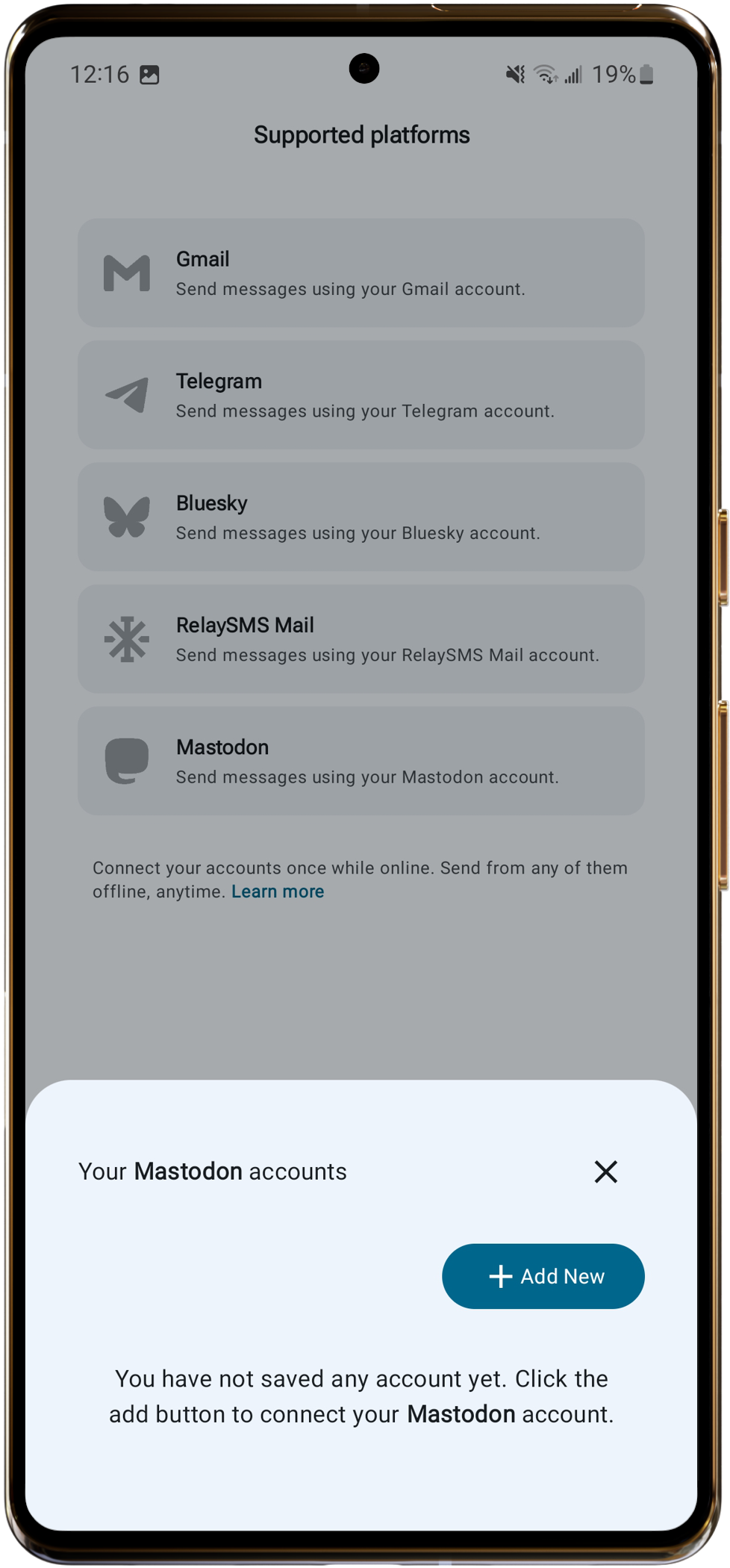
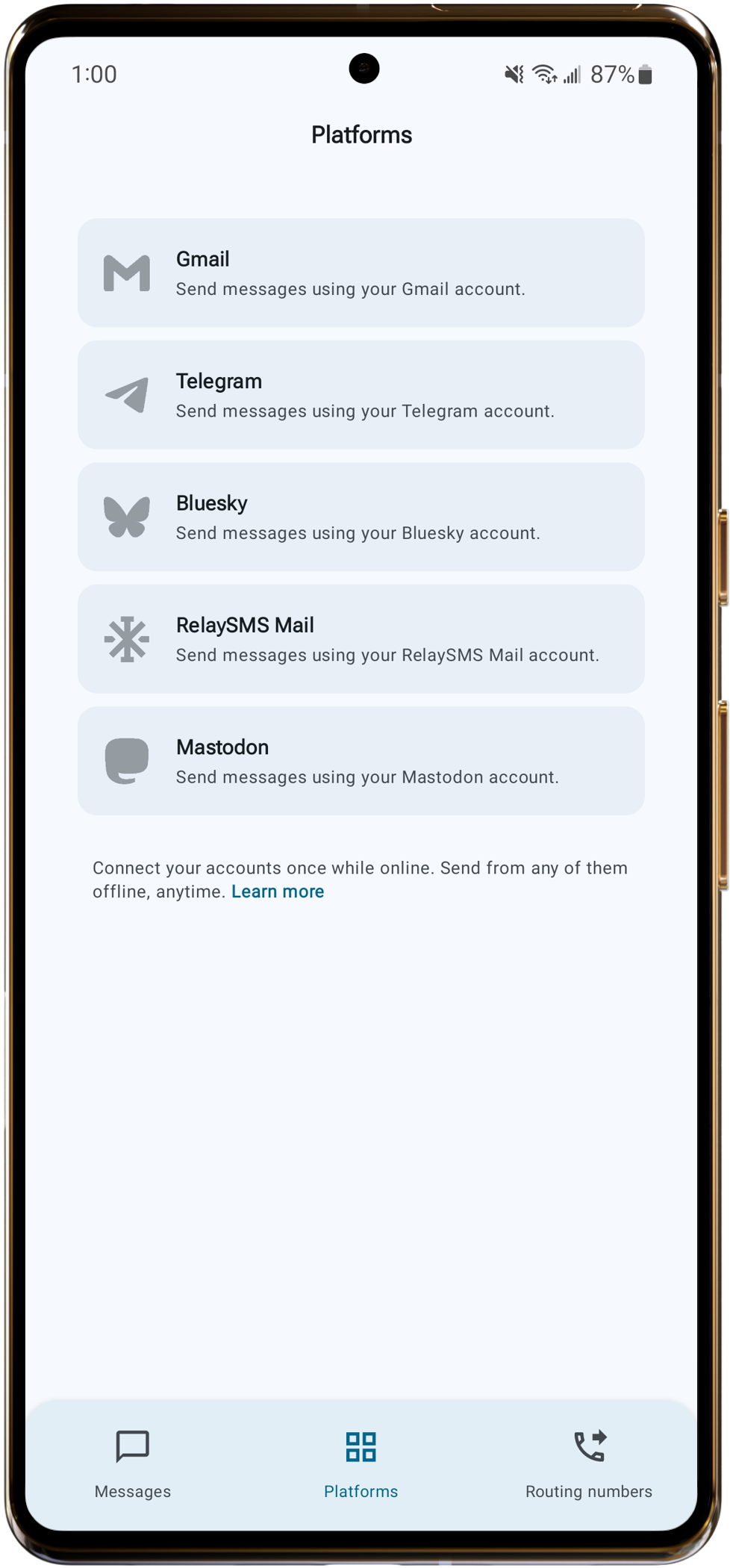
Go to the Platforms tab and tap the platform you want to save.
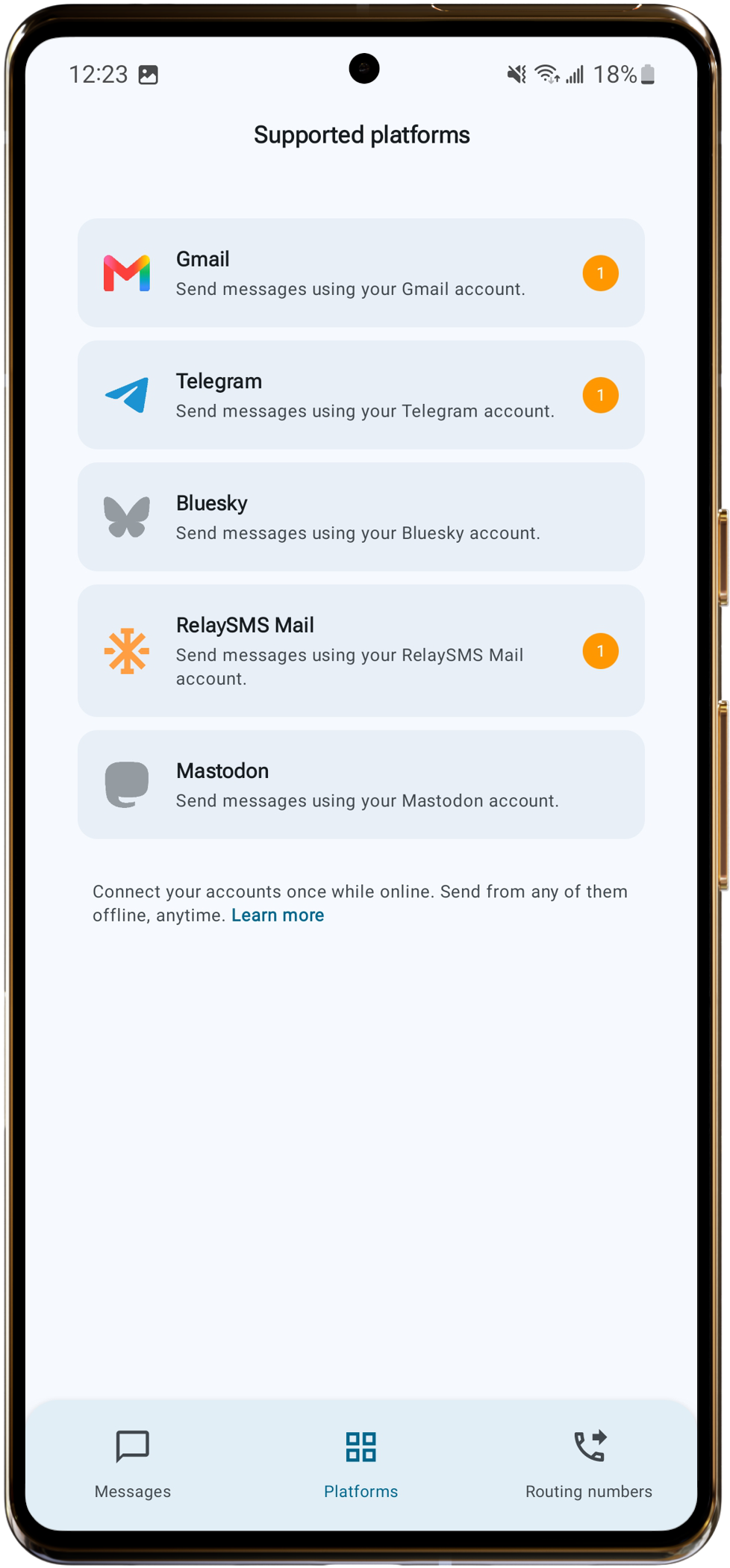
When a platform is saved it will light up. Tap it to see which account is connected.
Gmail
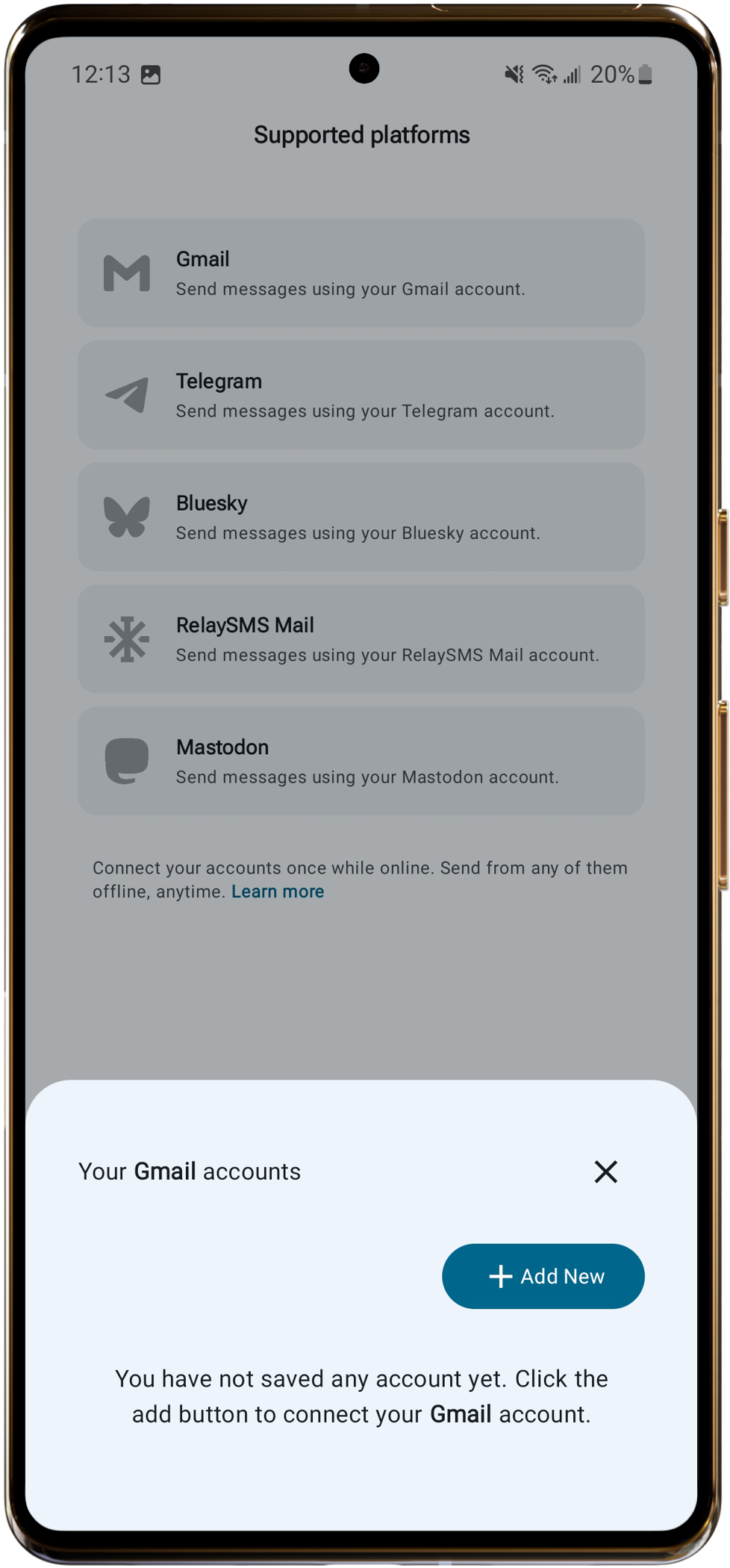
- Tap Gmail.
- Choose your Gmail account.
- Grant permissions.
- Tap Continue.
Bluesky
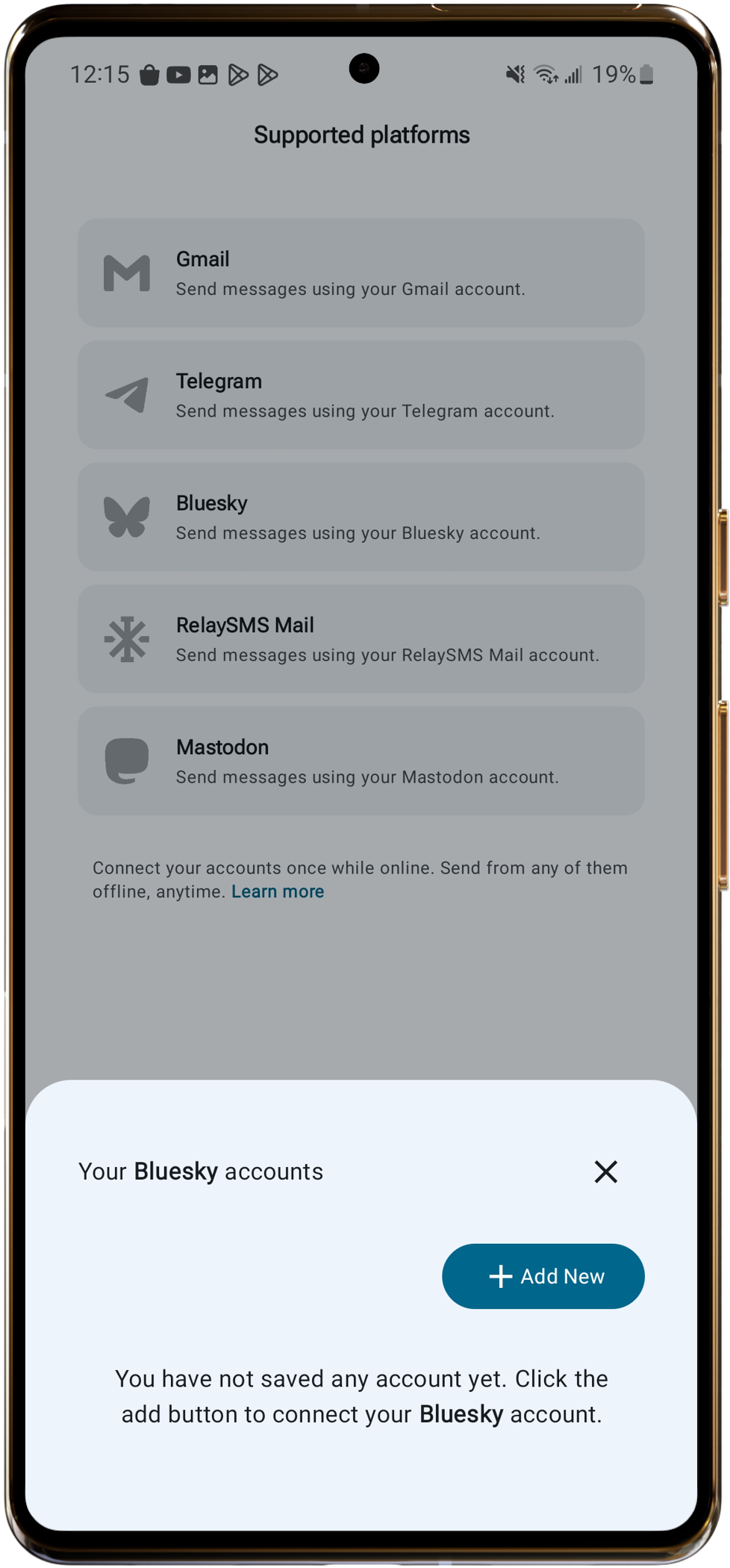
- Tap Bluesky.
- Sign in to your Bluesky account.
- Tap Authorize.
Telegram
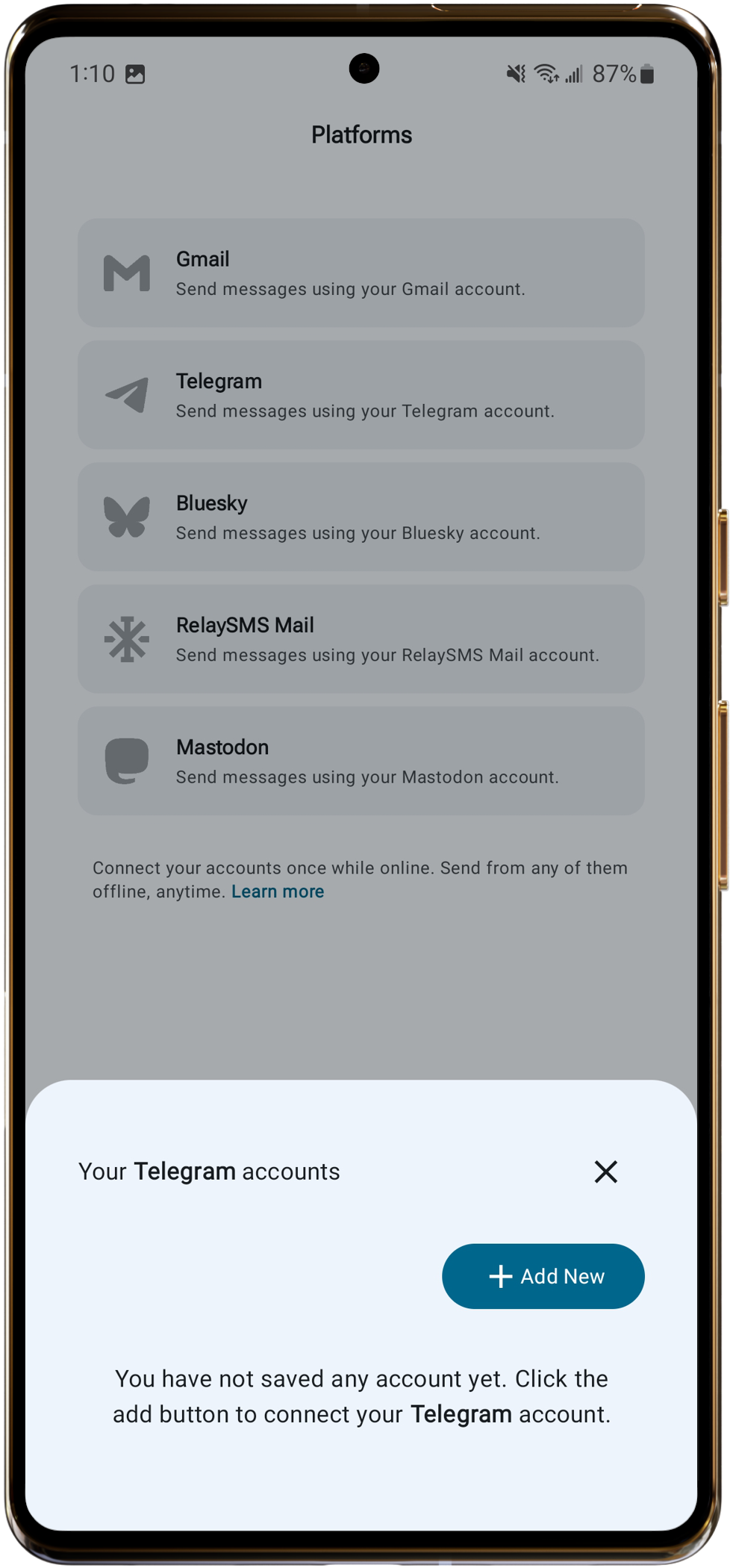
- Tap Telegram.
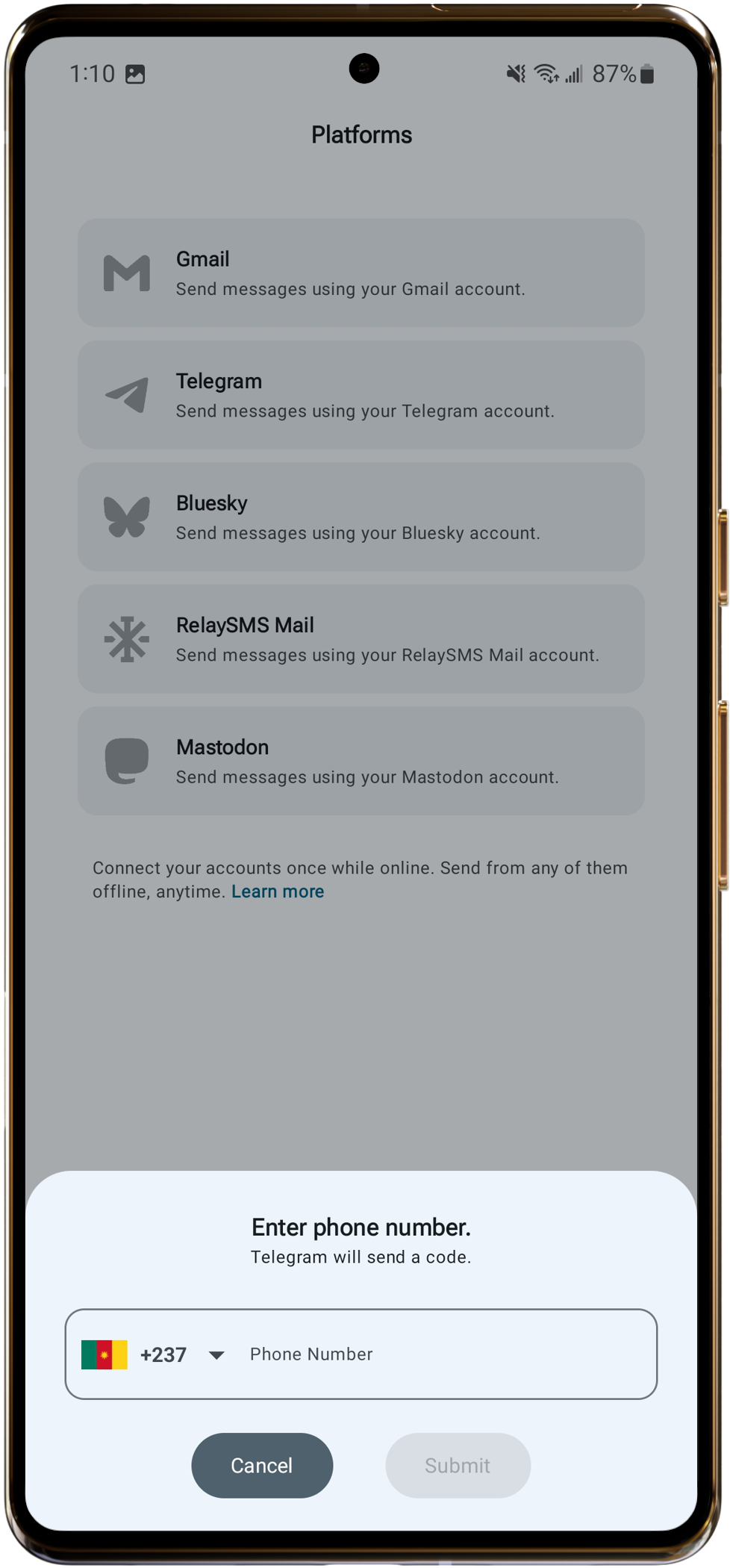
- Enter your phone number.
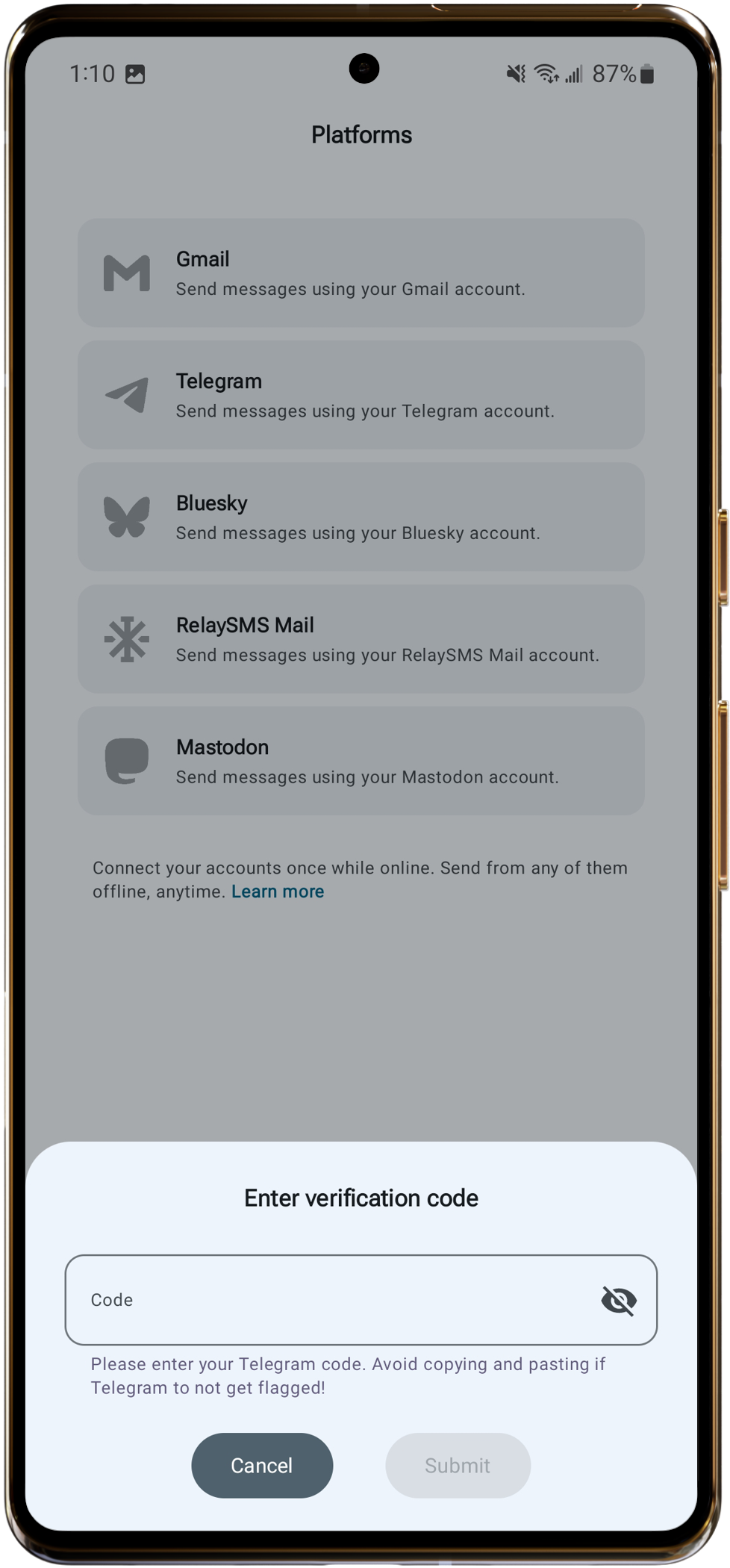
- Enter the code sent to your Telegram account.
- Tap Submit.
RelaySMS Mail
- Tap RelaySMS Mail.
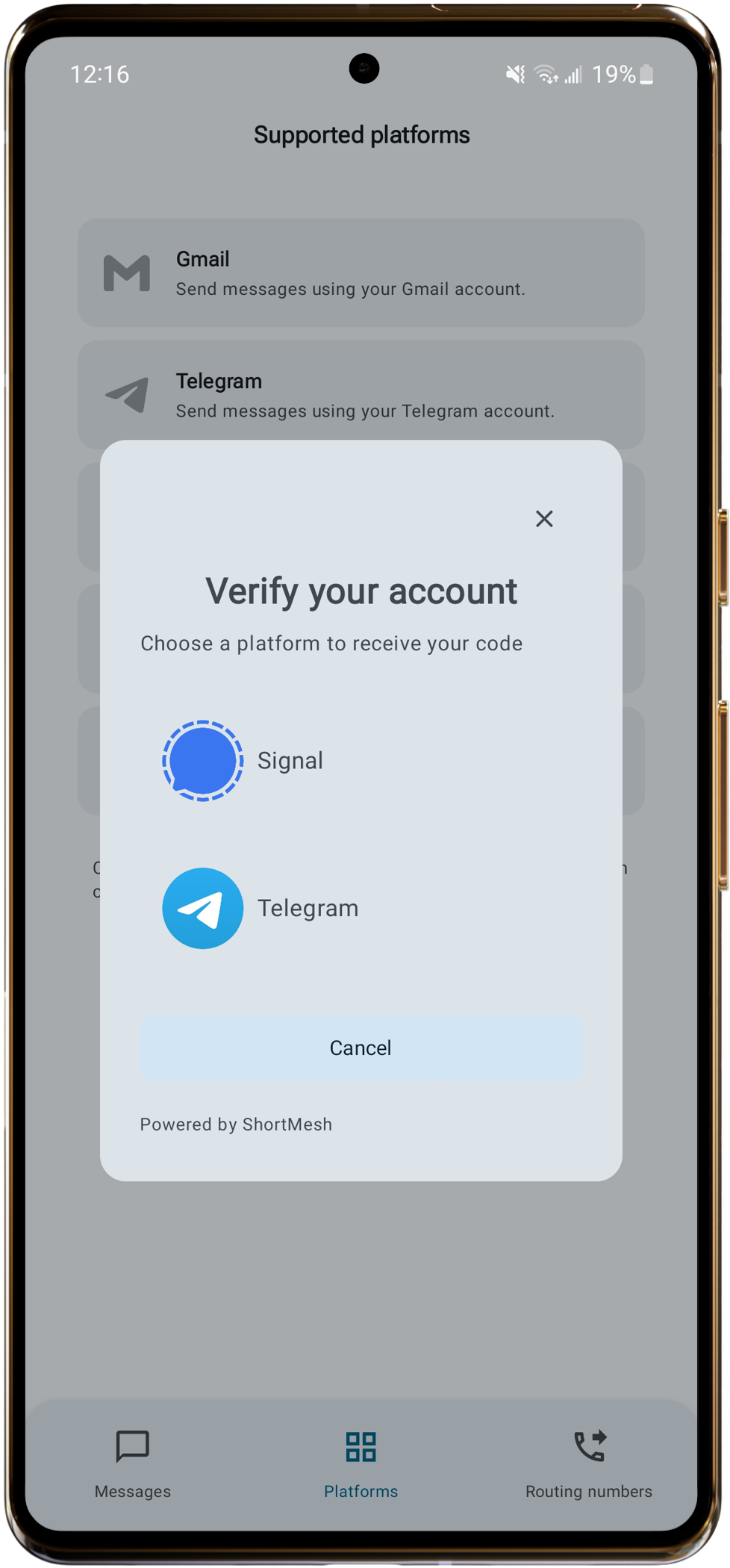
- Choose whether to receive your code via Signal or Telegram.
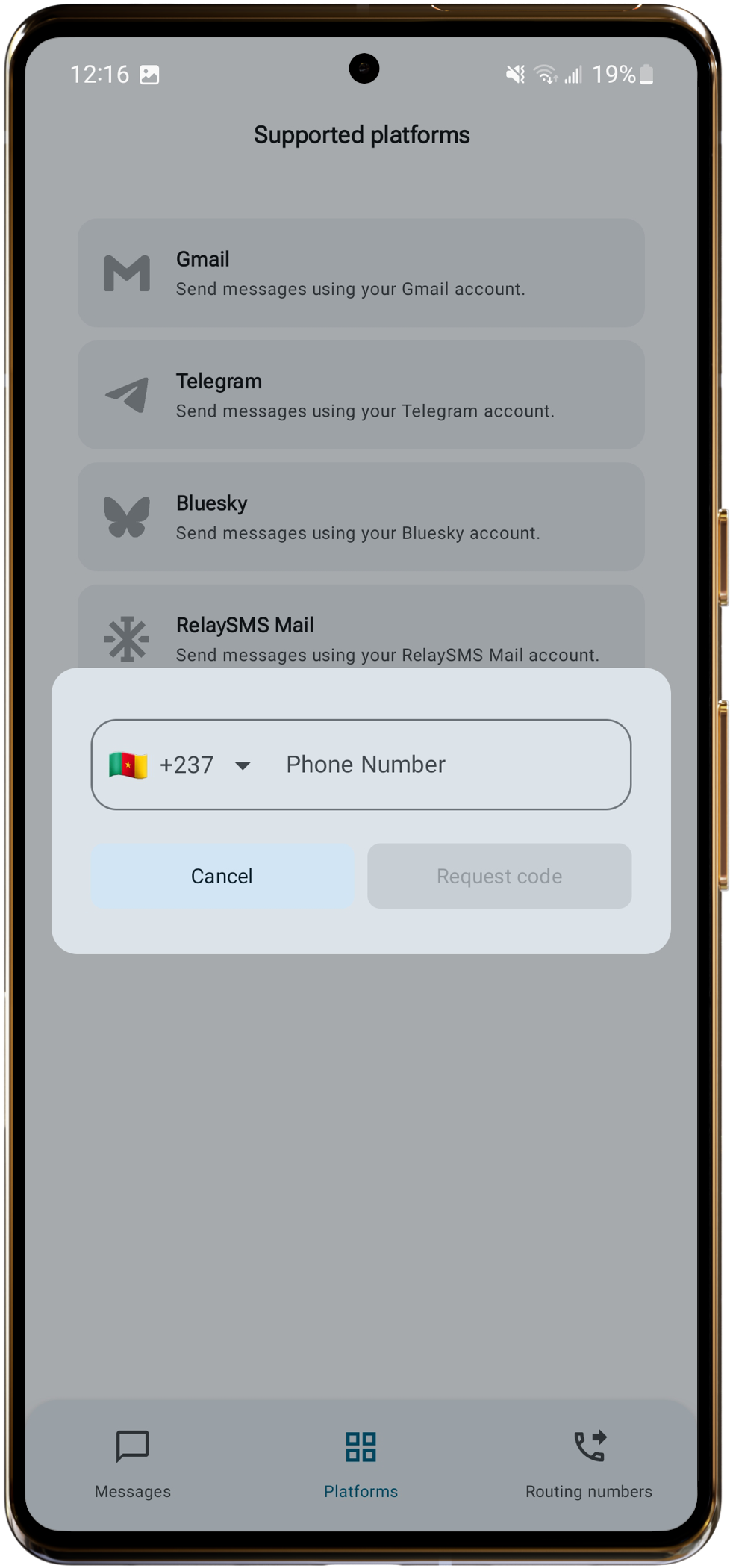
- Tap Request Code.
- Enter the code.
- Done. Your number is authenticated.
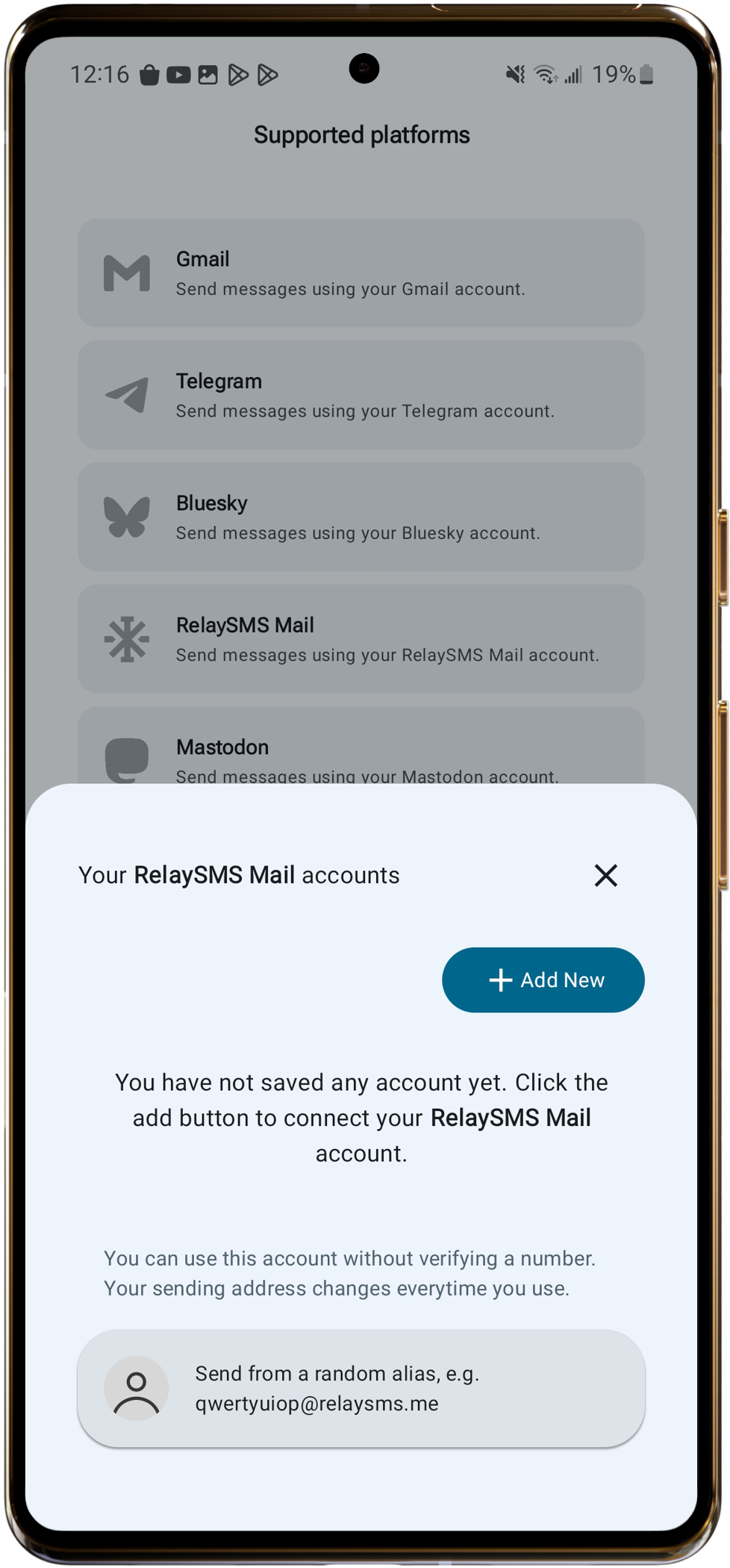
Anonymous vs. authenticated By default, RelaySMS Mail gives you an anonymous account with a random alias. You can use it to send messages quickly without verifying your phone number. If you save and authenticate your account, you can receive replies by SMS, even during an internet shutdown. Using an authenticated account is also more secure.
Mastodon
- Tap Mastodon.
- . Sign in to your Mastodon account.
- Tap Authorize.