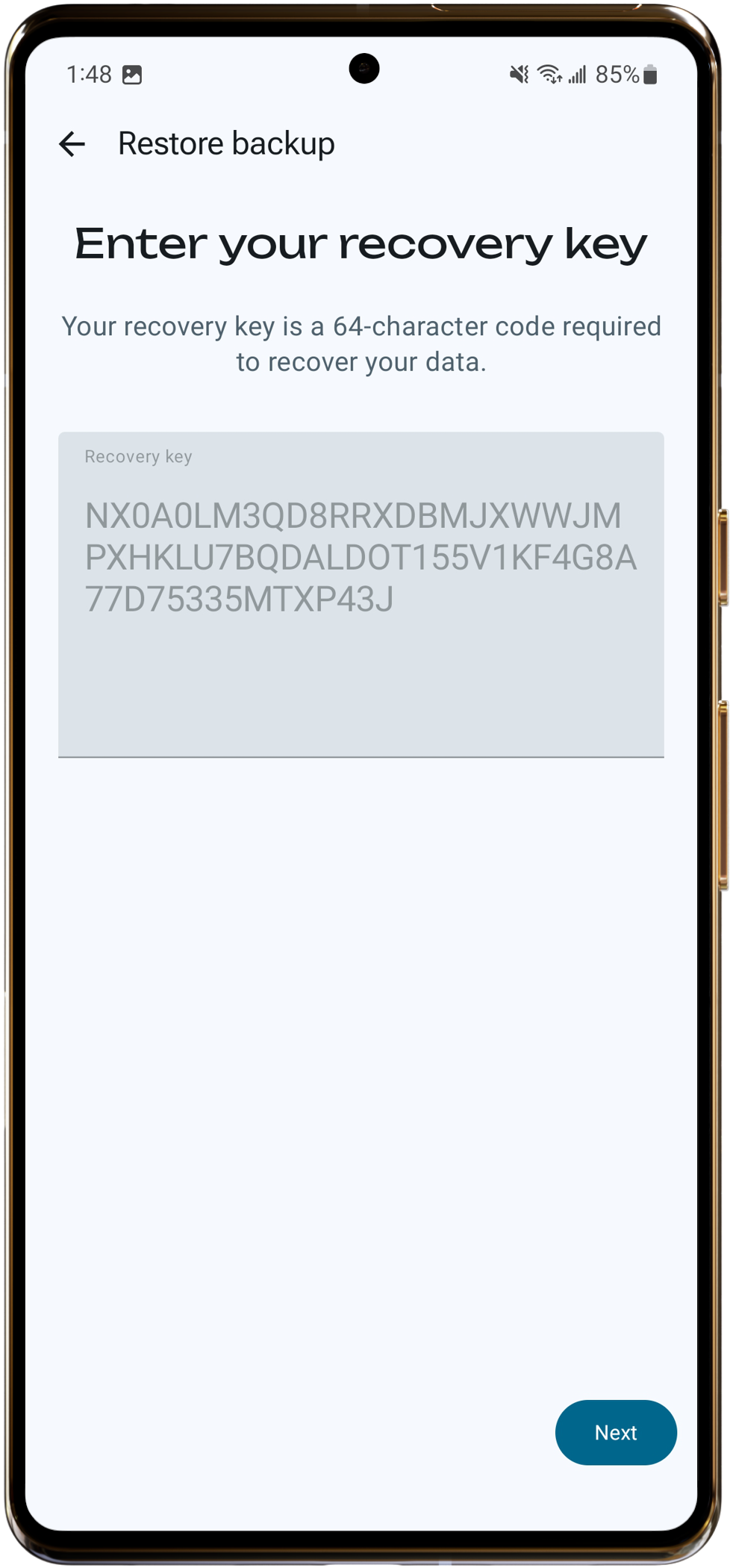
Step 4 - Back up and restore
Important: RelaySMS stores your saved platforms on your device. If you delete the app or switch phones, you can lose them. Back up regularly.
Back up
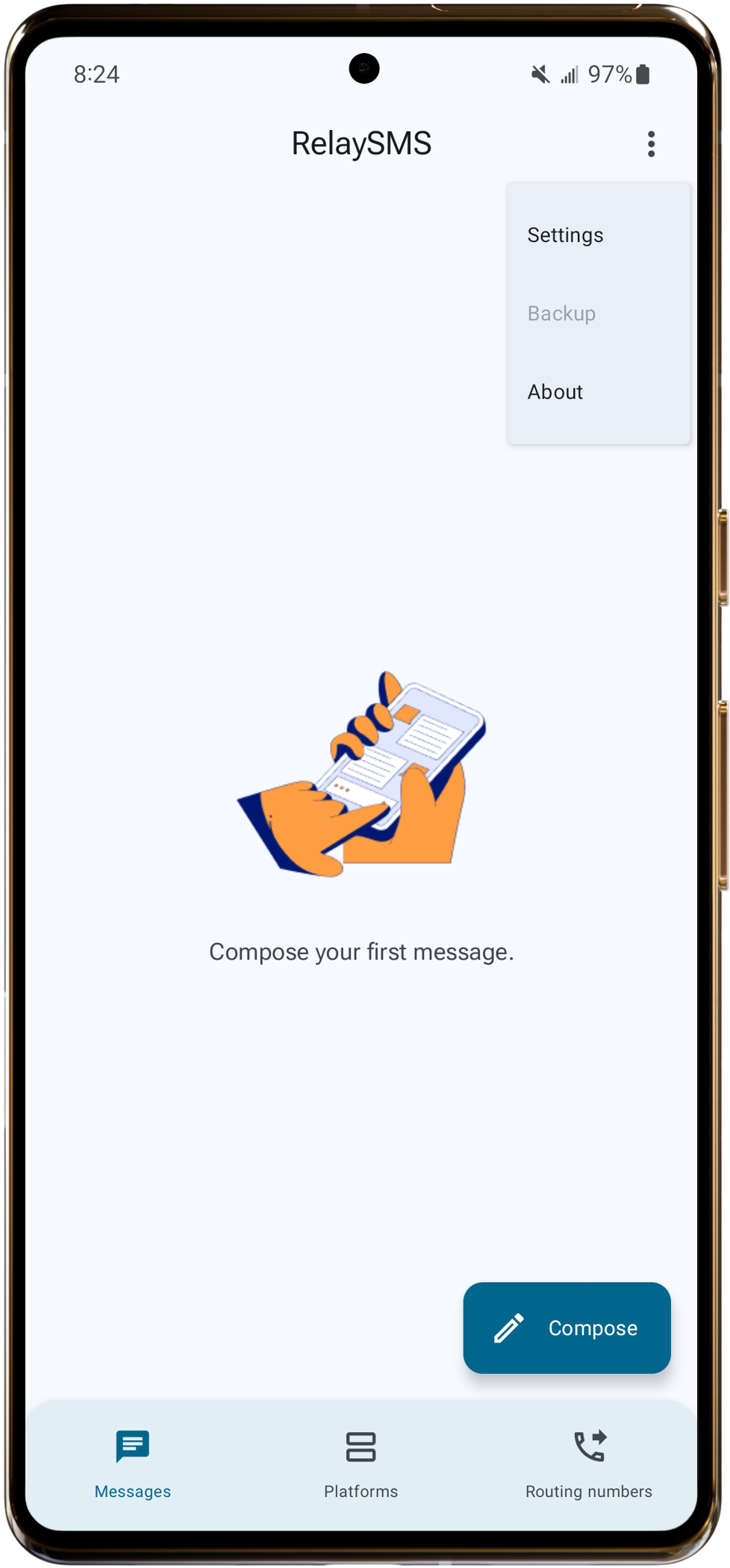
- Tap the 3-dot menu (top right corner of home screen).
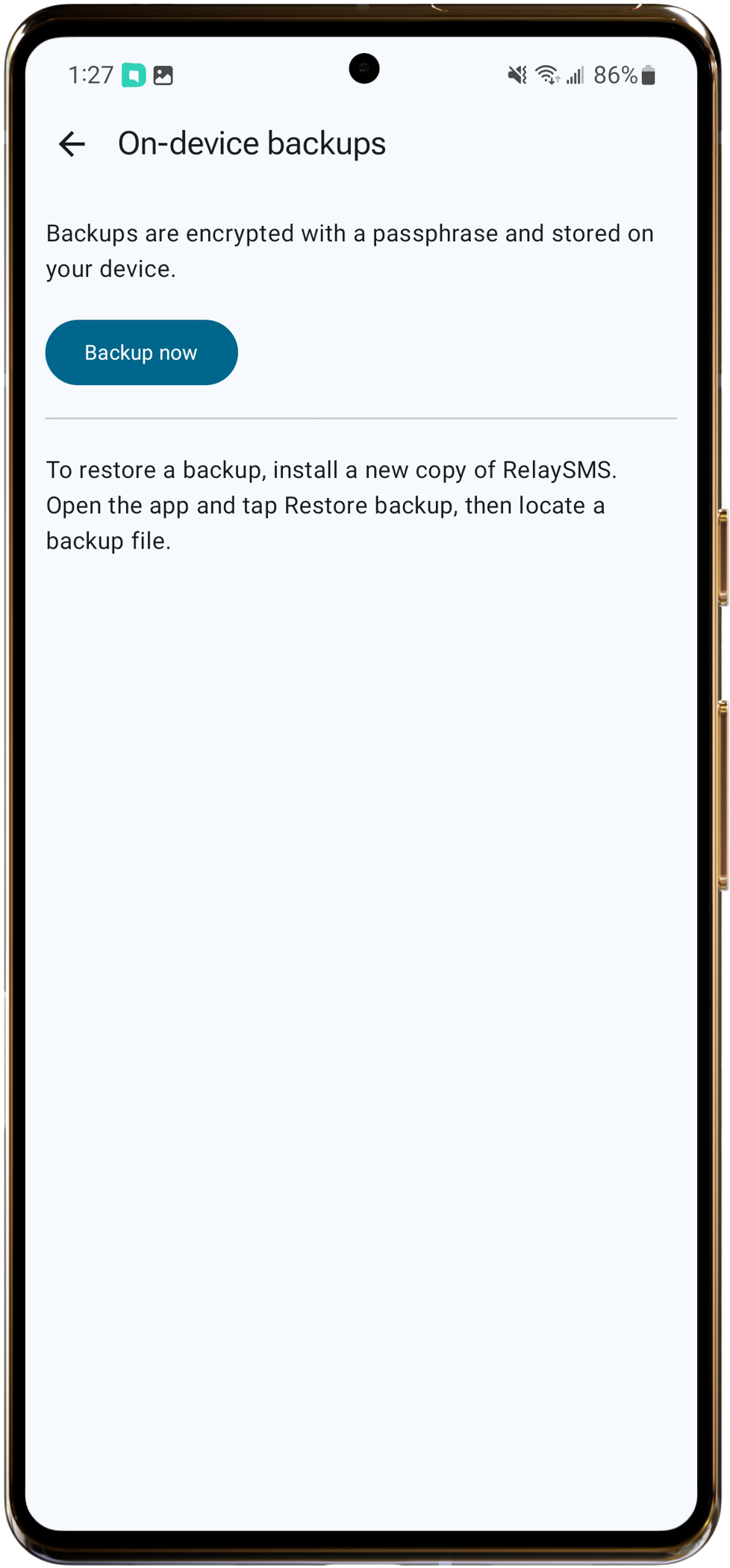
- Tap Back Up.
- Tap Back Up Now.
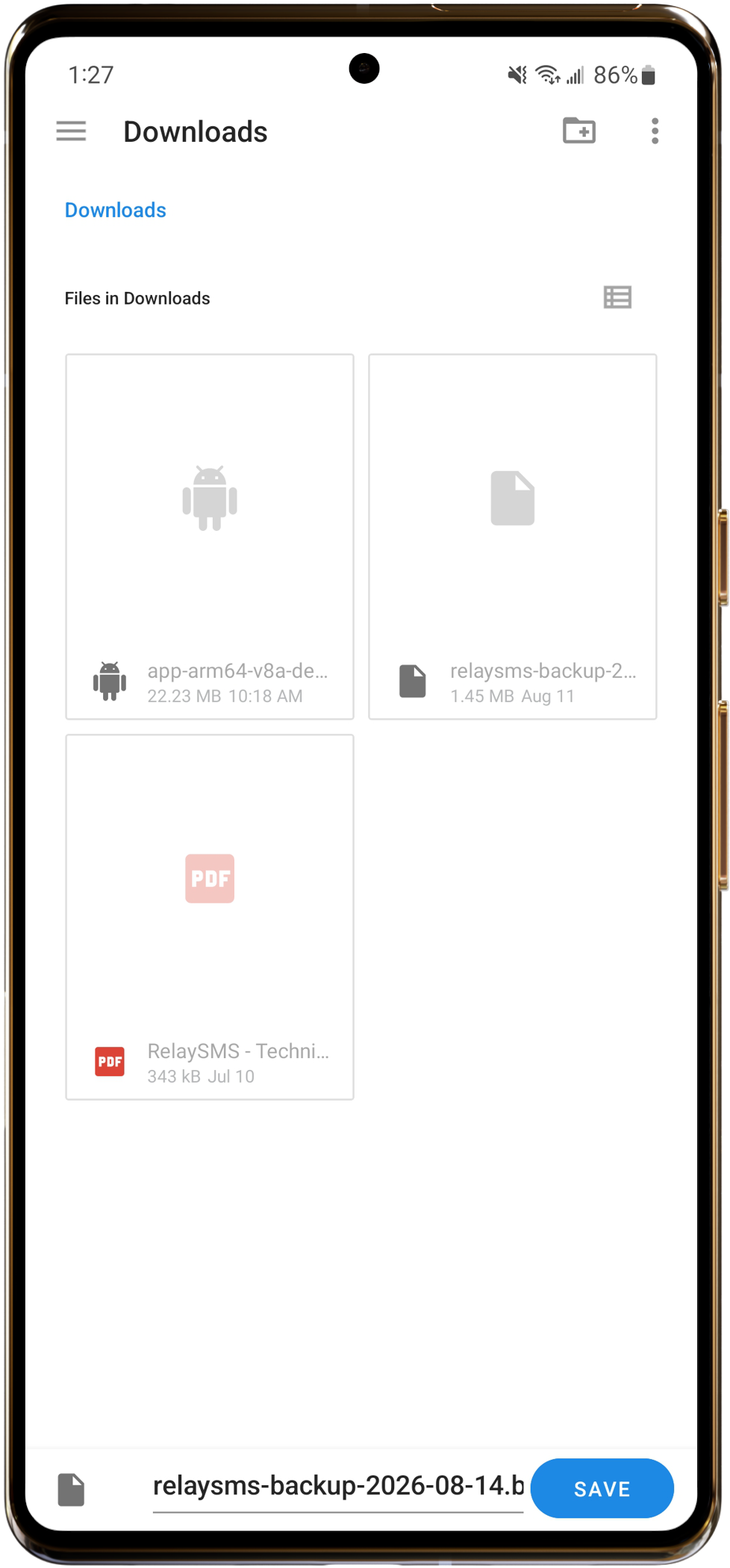
- A file is created. Tap Save.
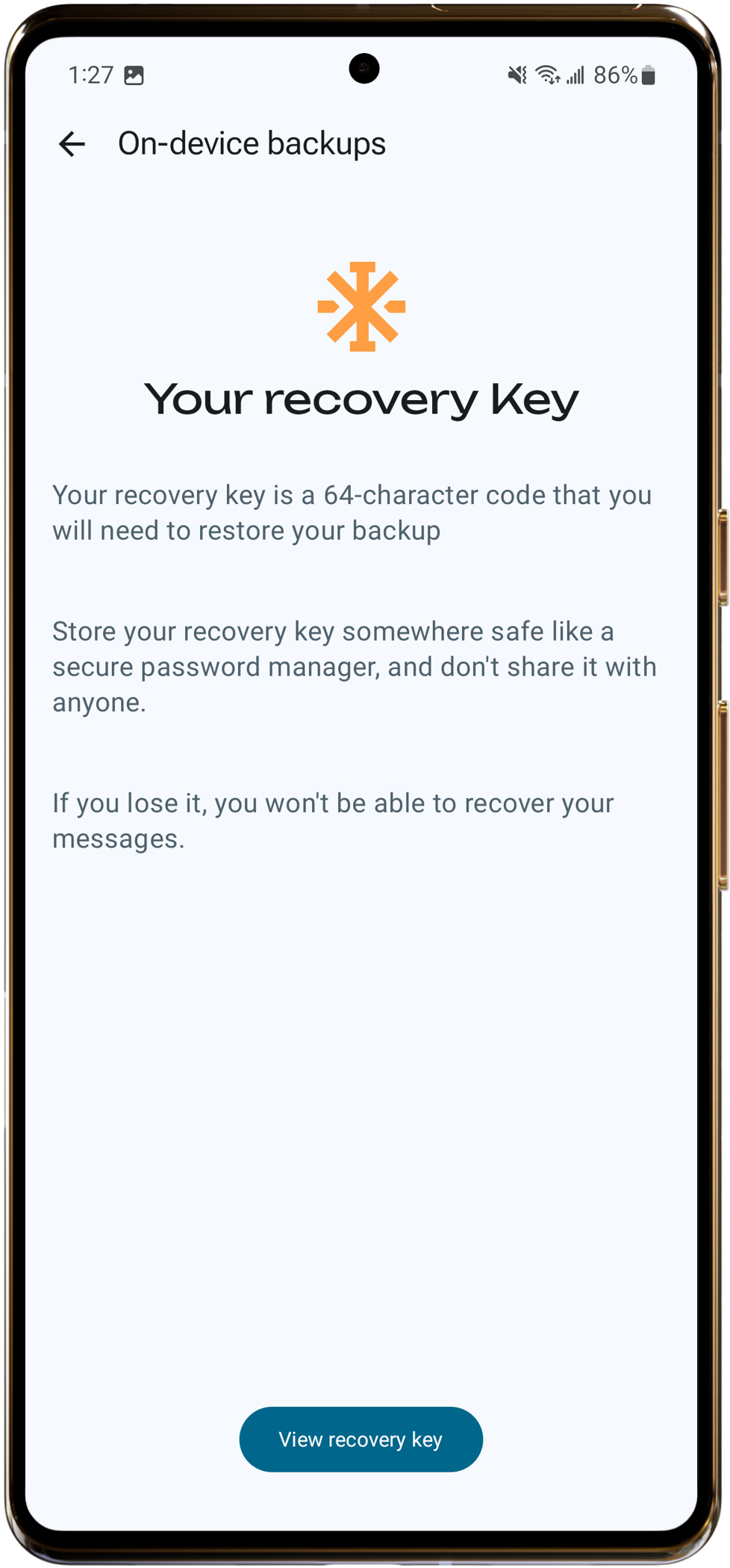
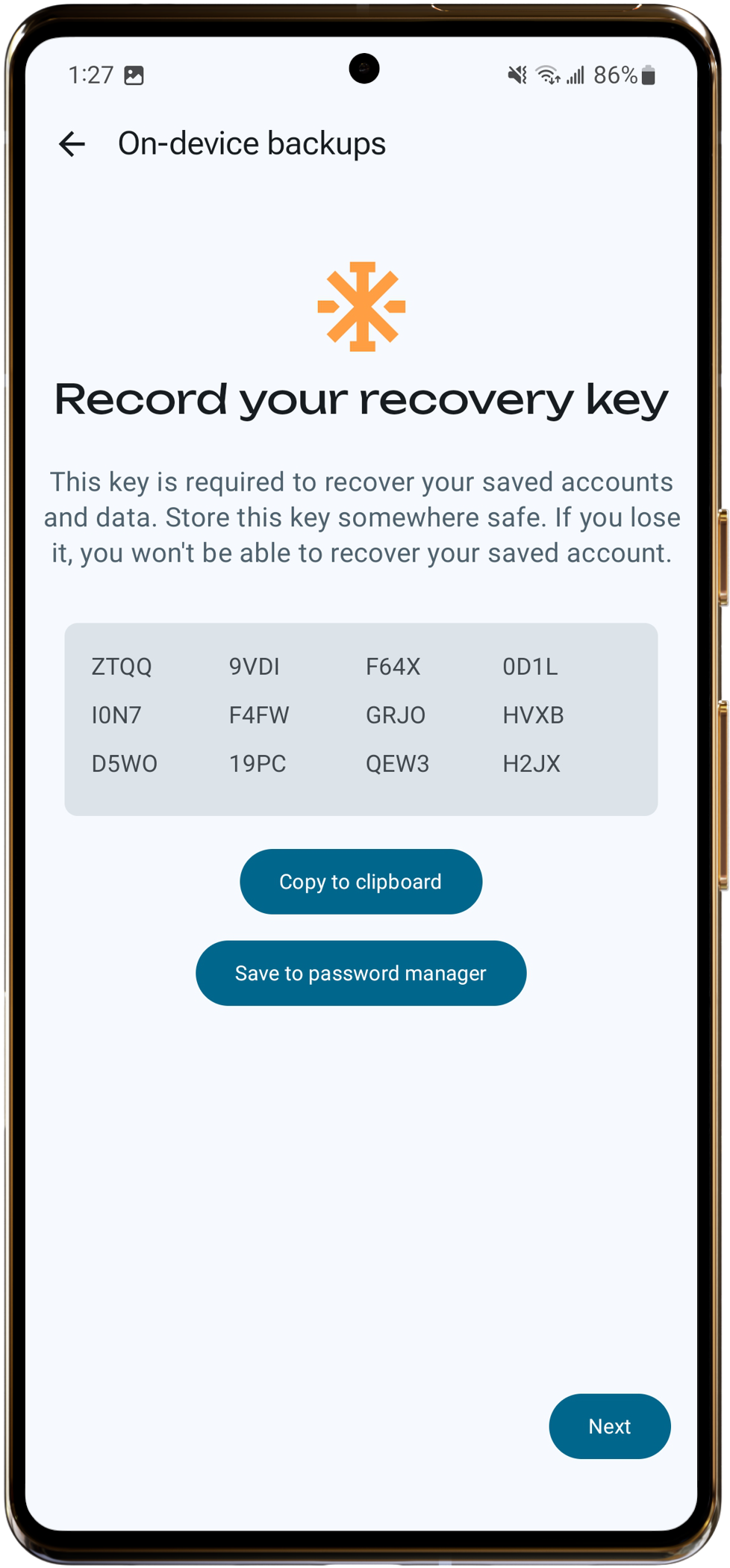
- Tap View Verification Key.
- Copy the key and save it somewhere safe.
Confirm back up
- Tap the 3-dot menu (top right corner of home screen).
- Tap Back Up.
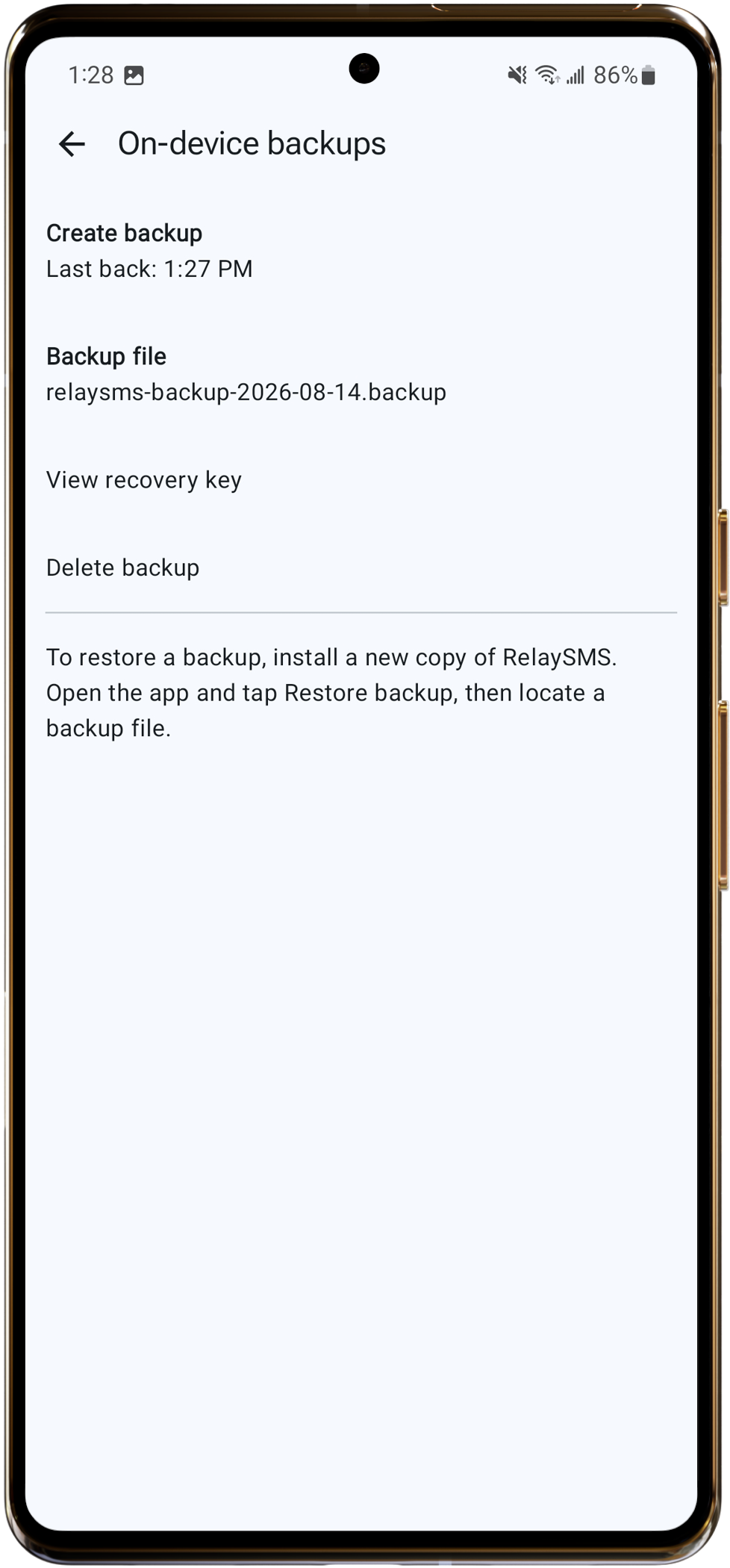
You should see your last backup
Restore
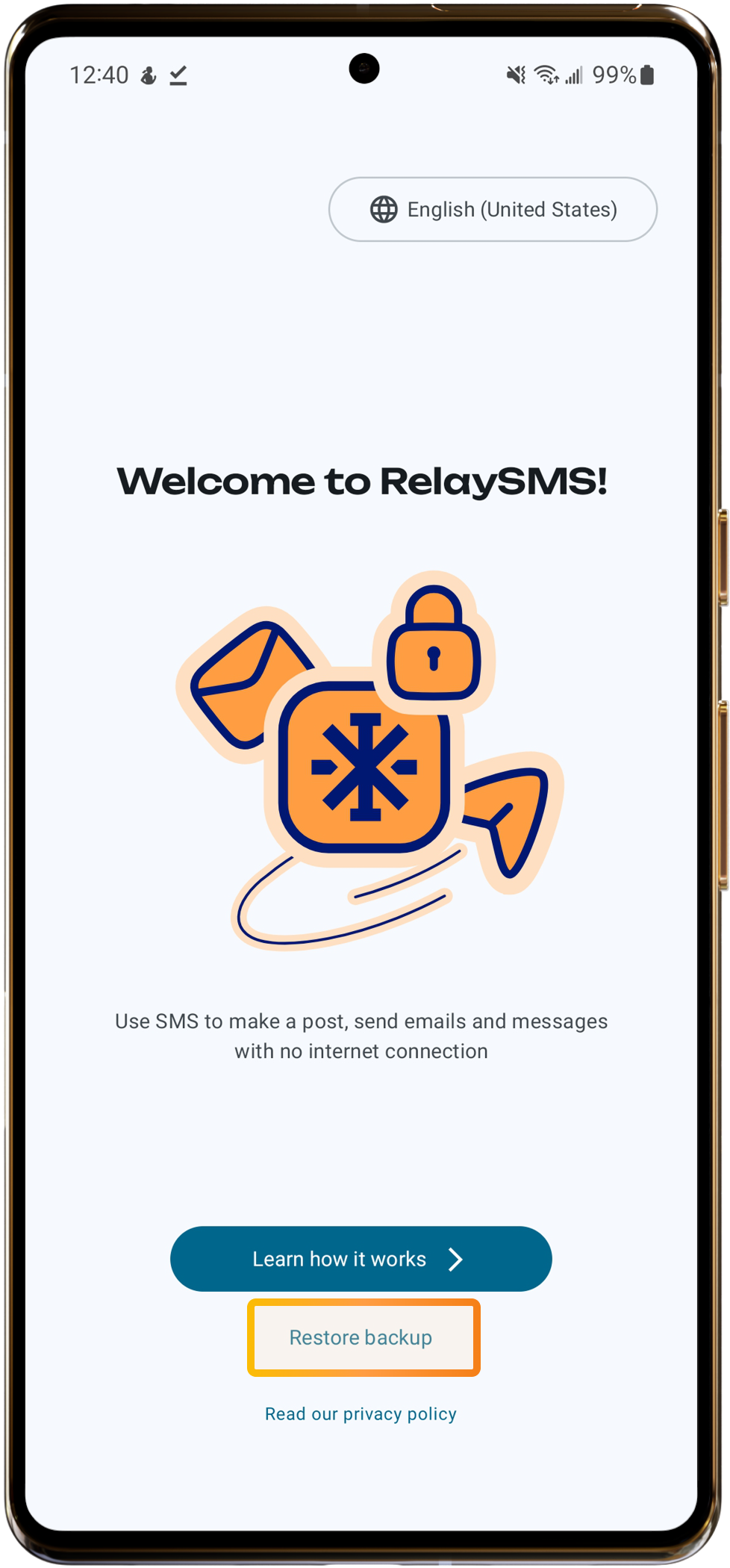
Important: You can only restore a backup on the welcome screen while on-boarding
- While on-boarding click "Restore backup".
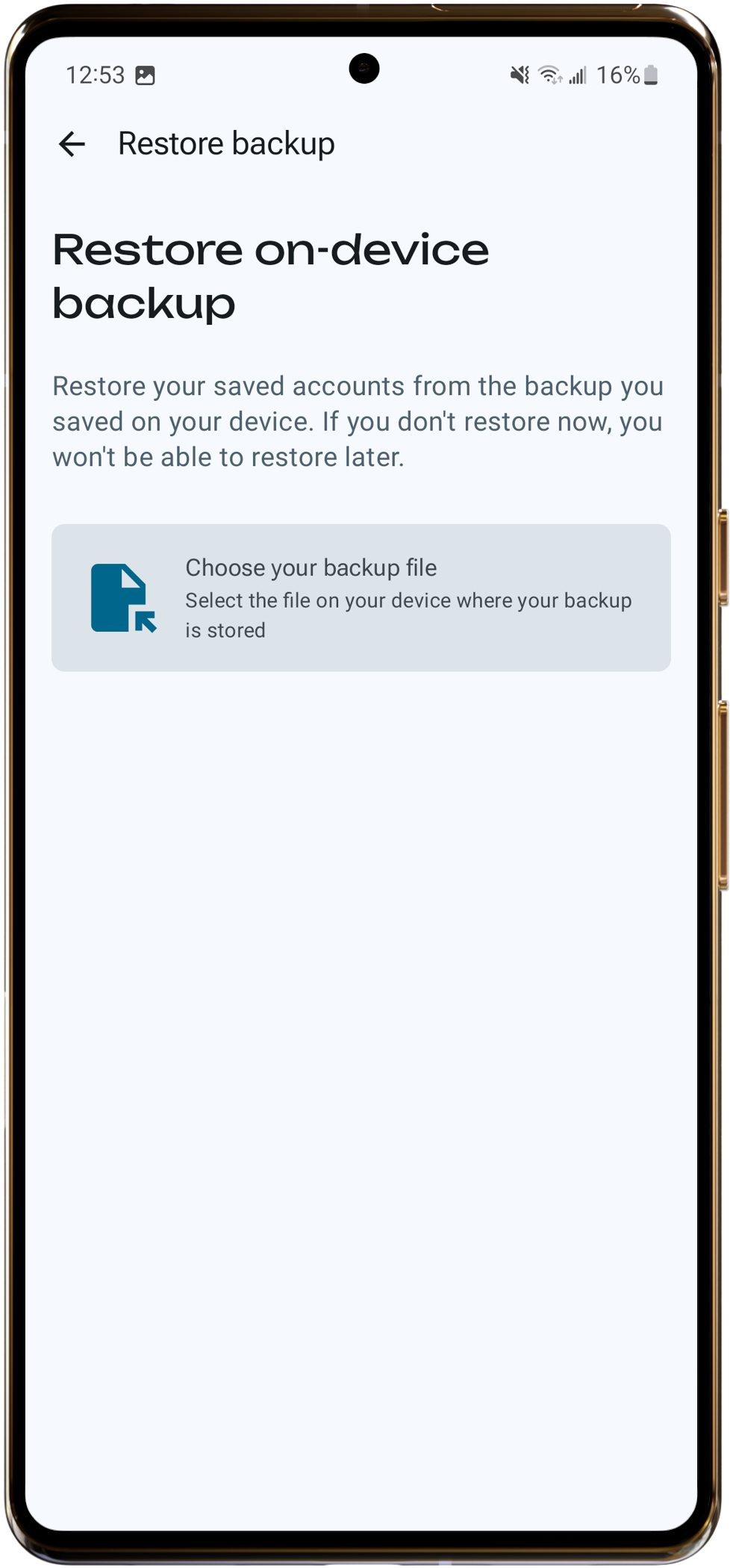
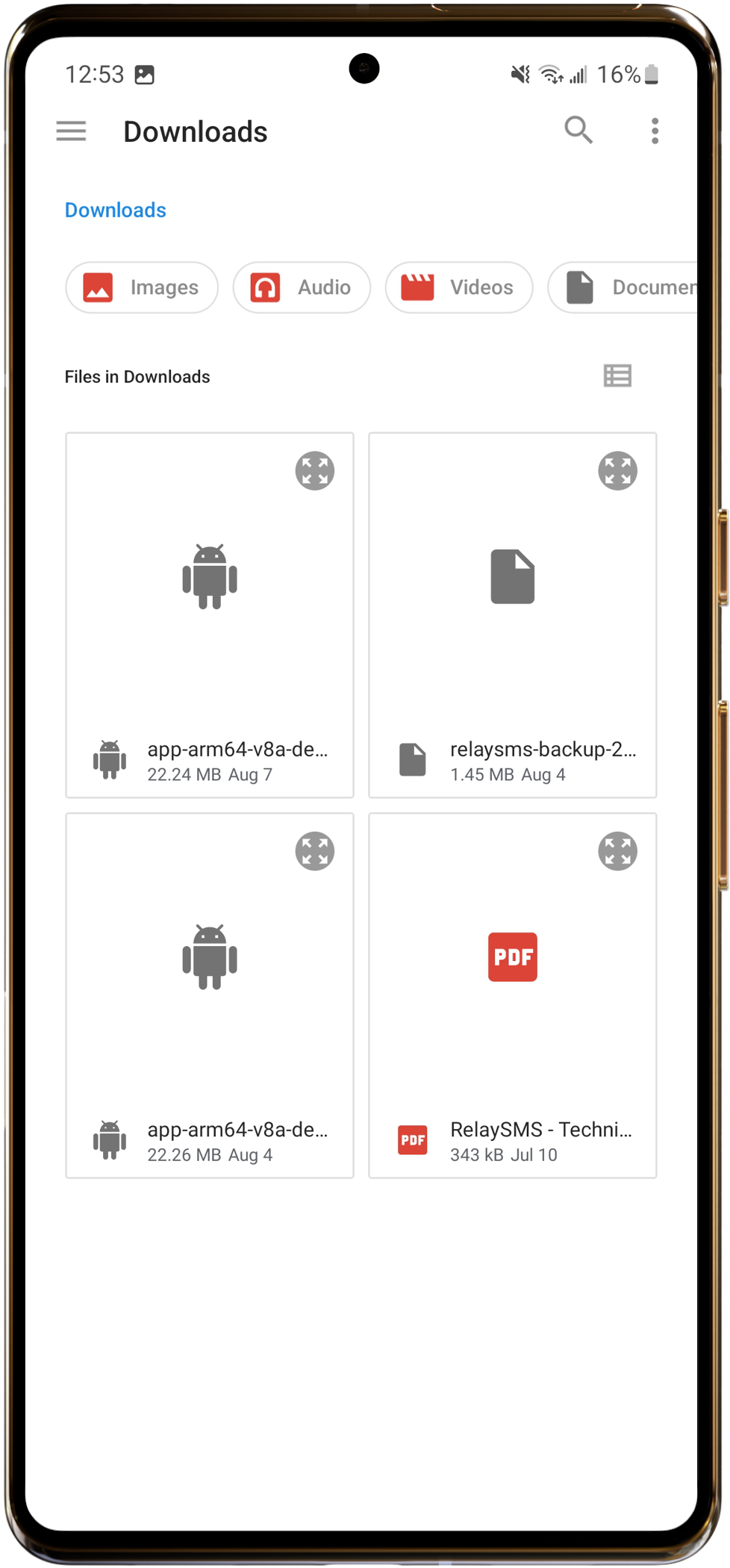
- Choose your backup file.
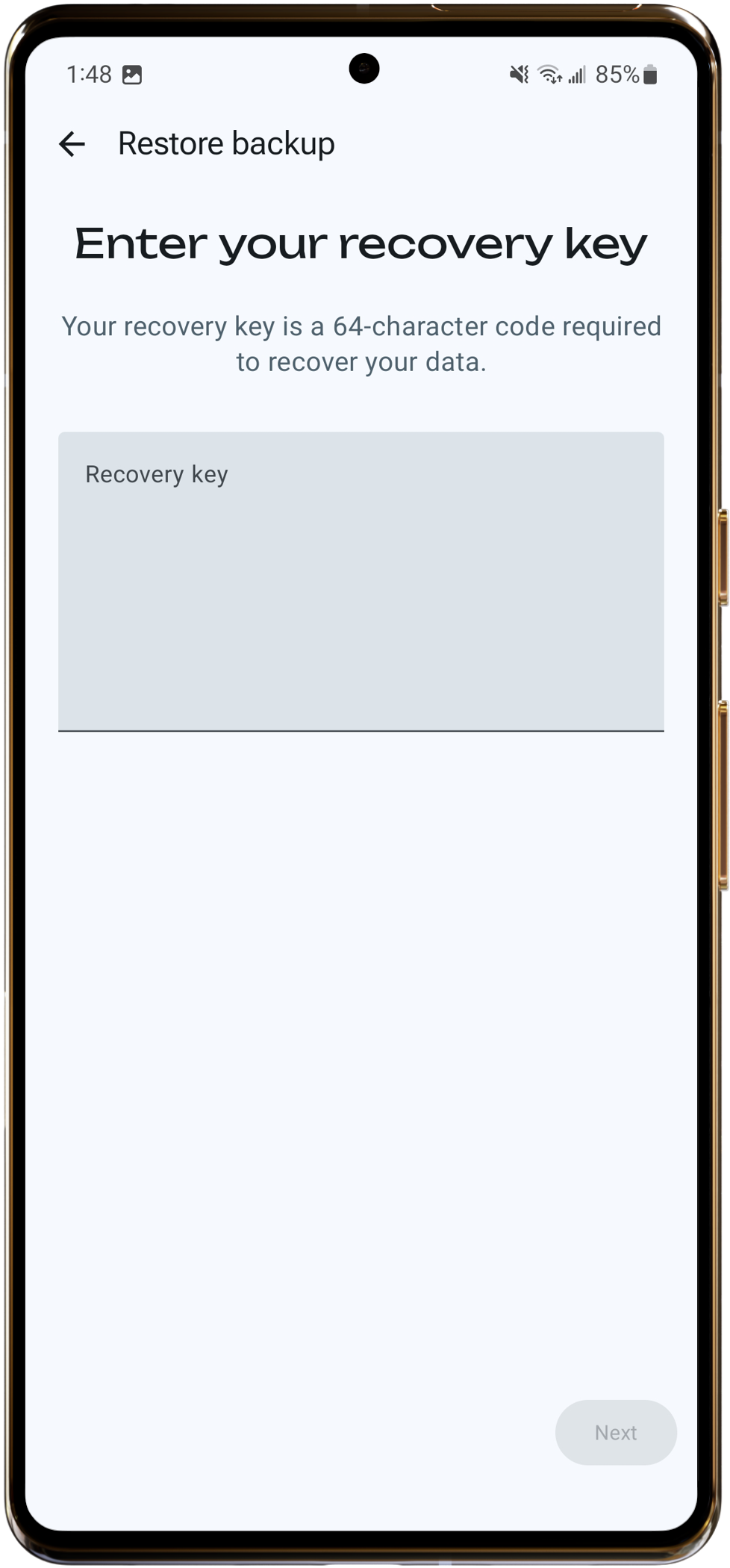
- Enter your verification key.
- Done. Your platforms are restored.