Step 3 - Onboarding
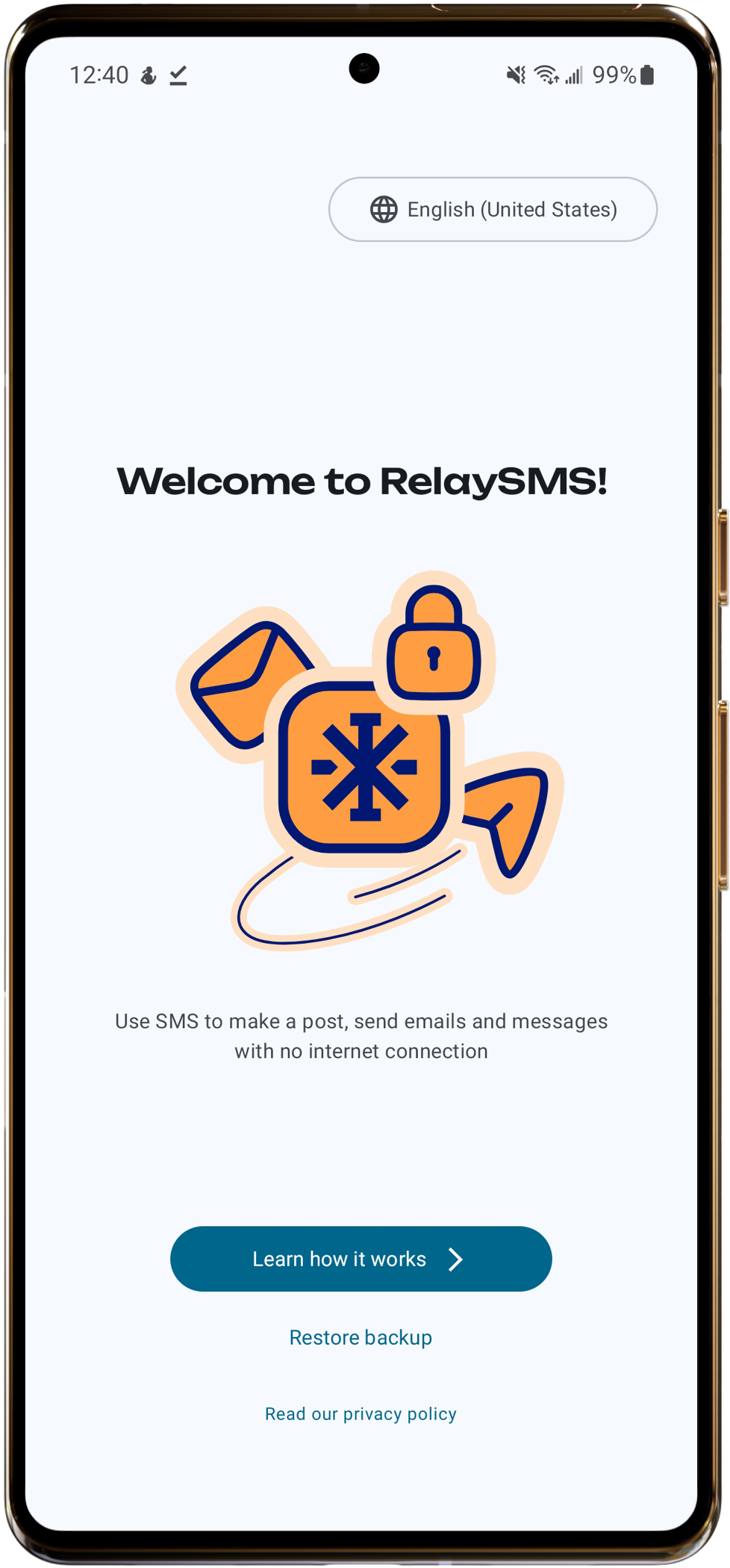
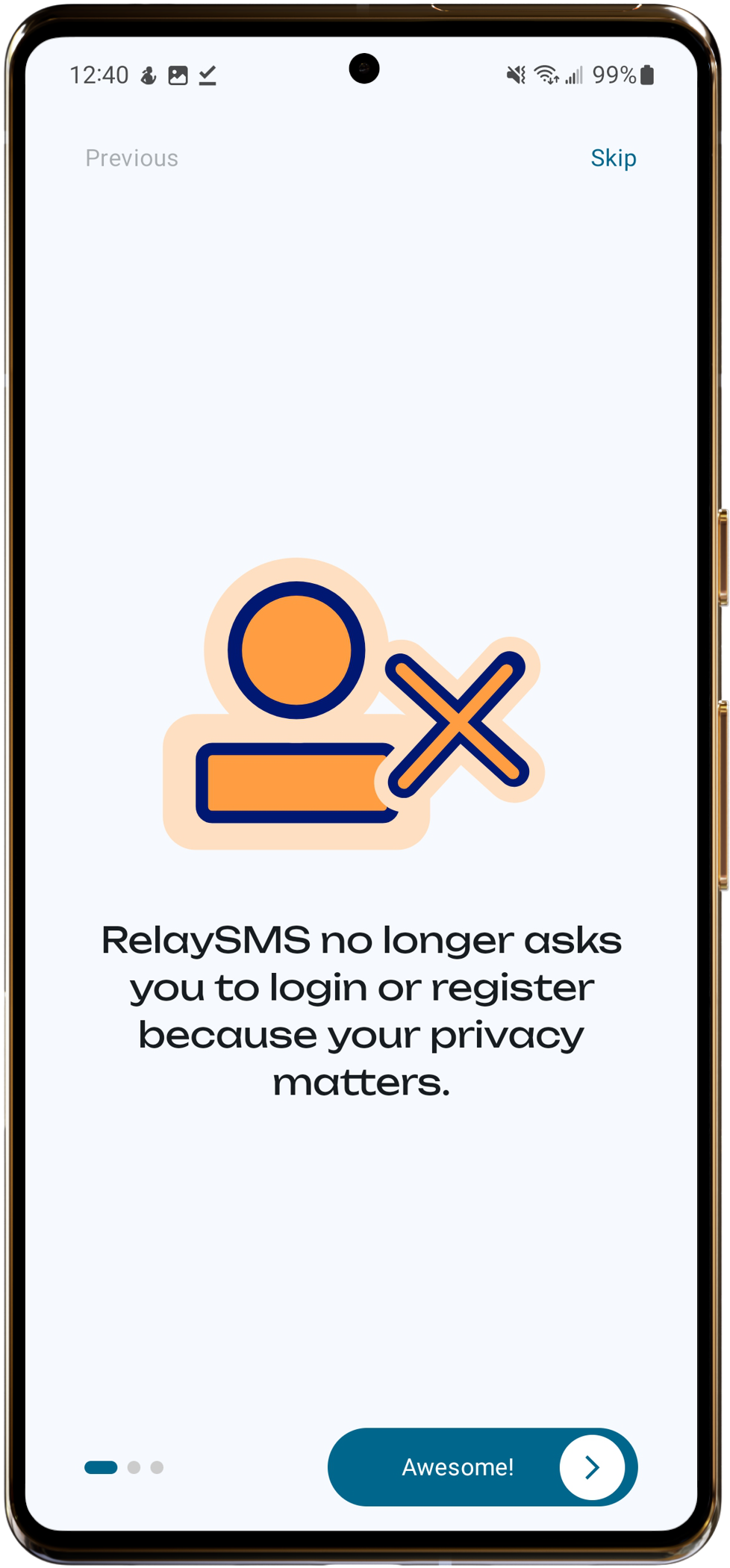
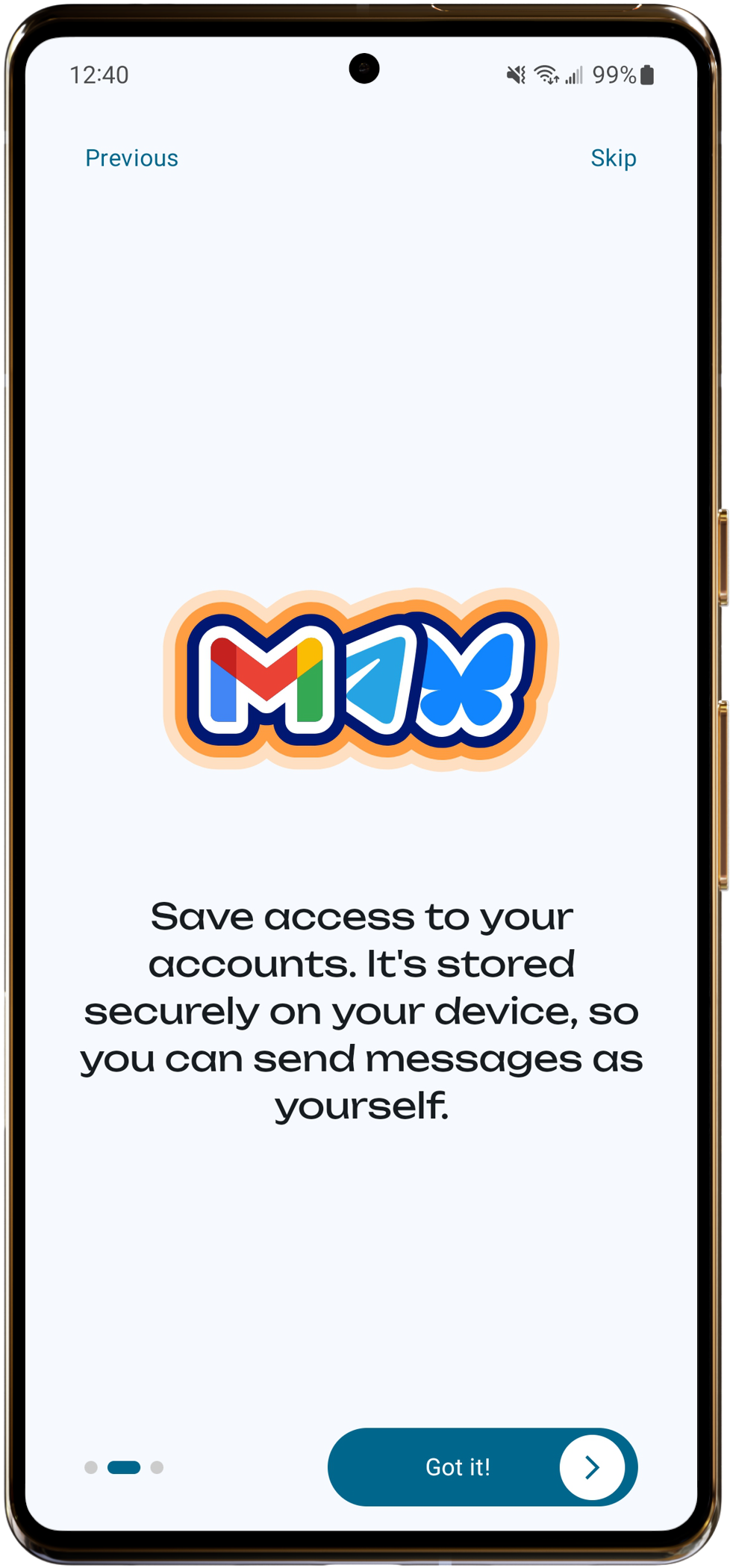
When you first open RelaySMS, you'll be guided through a short onboarding process to get familiar with how it works.
If you have a previous backup, remember to restore it before proceeding with onboarding. This is the only opportunity to restore a backup. Click the Restore button to continue. See Restoring a backup for more information.
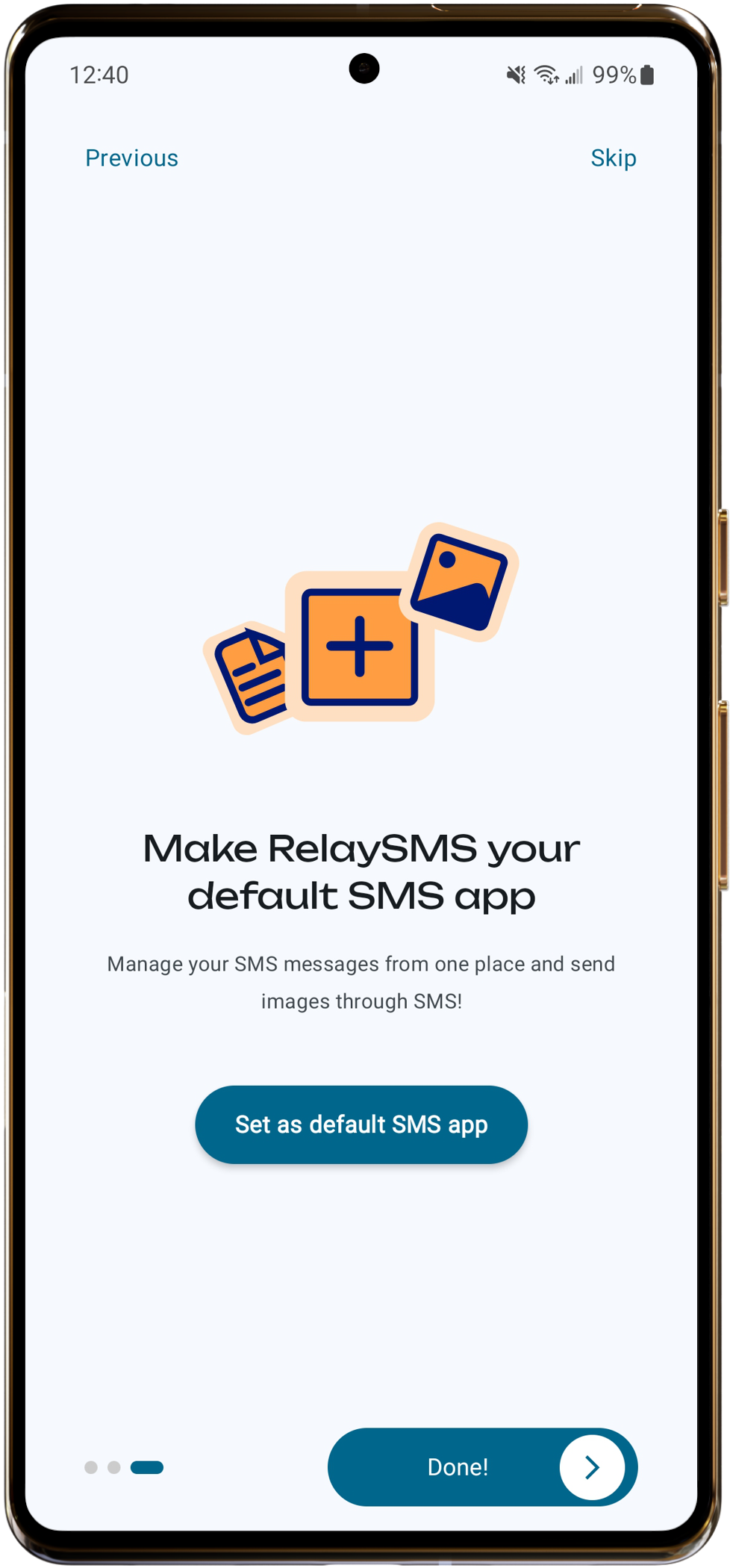
Tip: You'll see a button that says "Make app default". This is optional, but setting RelaySMS as your default messaging app makes sending messages easier and also lets you send images.