Step 6 - Routing numbers
A routing number is a phone number connected to the internet that receives your SMS and forwards your message to your chosen online platform.
When choosing a routing number, consider:
- Is that country under an internet shutdown?
- Can your SIM send SMS to that country?
- Which number is geographically closer?
- Which number is cheaper for you to SMS?
Change your default routing number
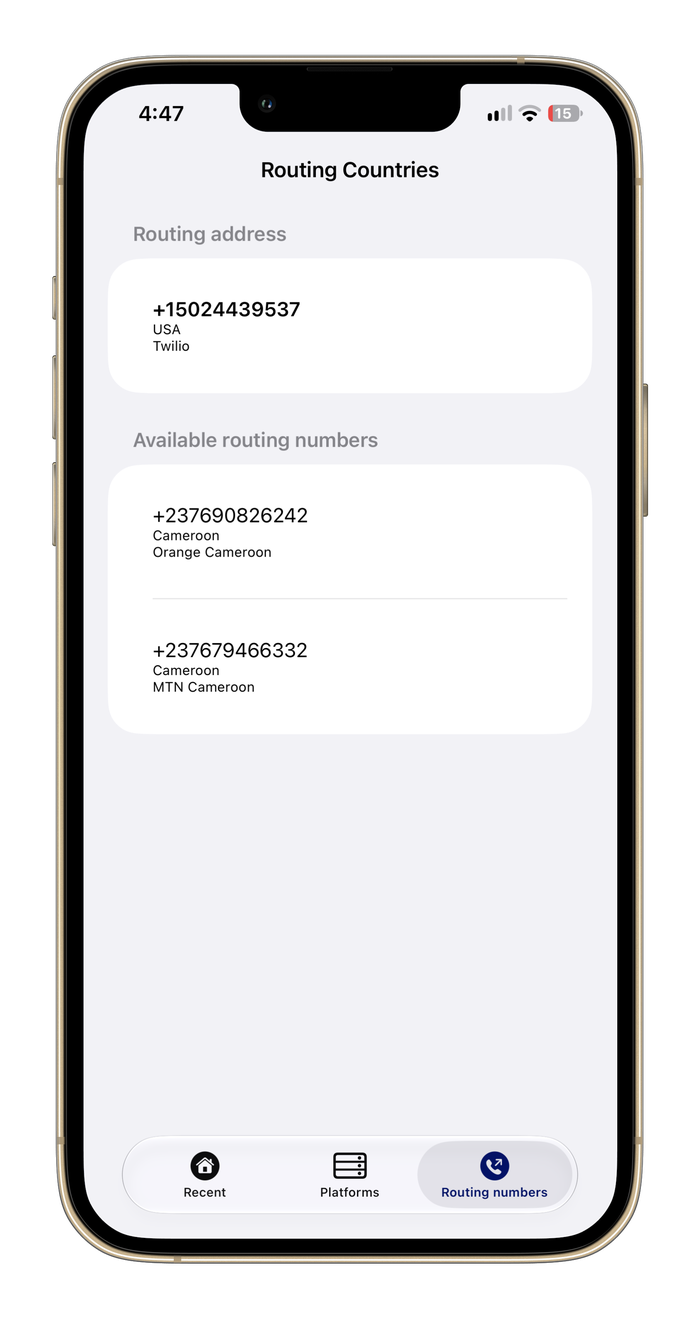
- Go to the Routing numbers tab.
- Your current number is shown under Routing address.
- Tap a number under Available routing numbers.
- Tap Set as default.
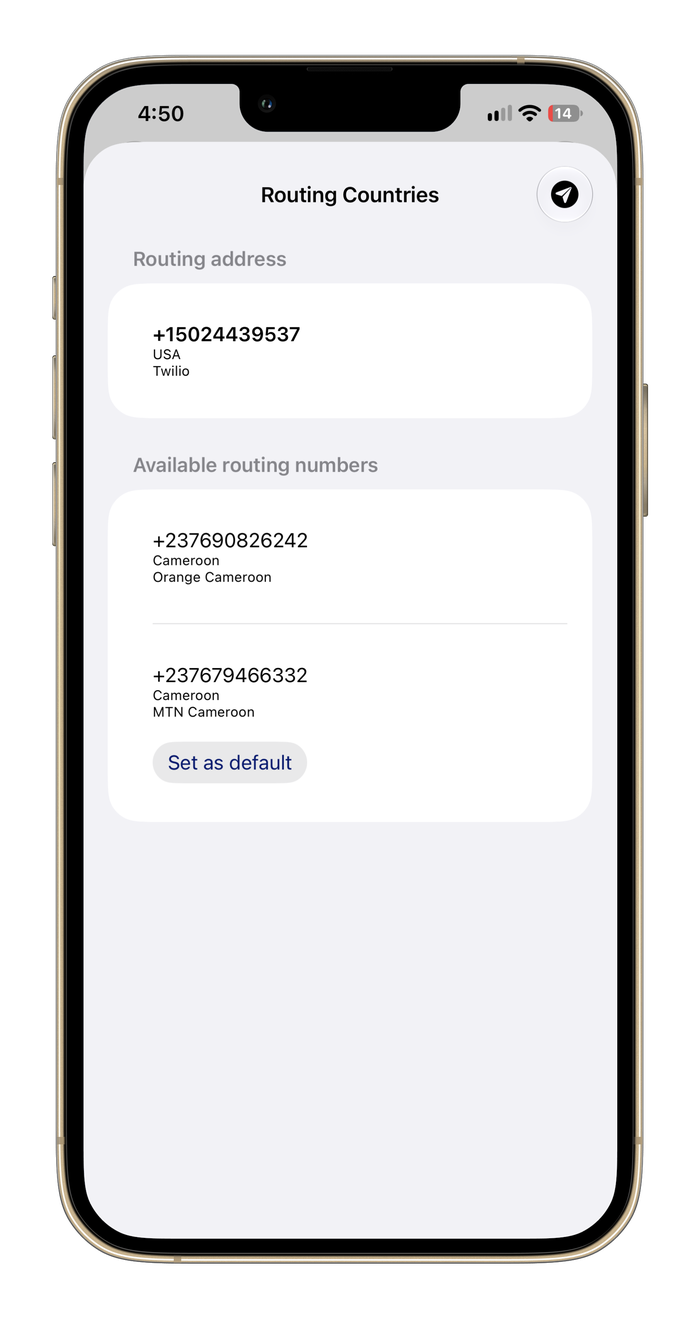
You can also change the routing number each time you send a message. See Sending a message.
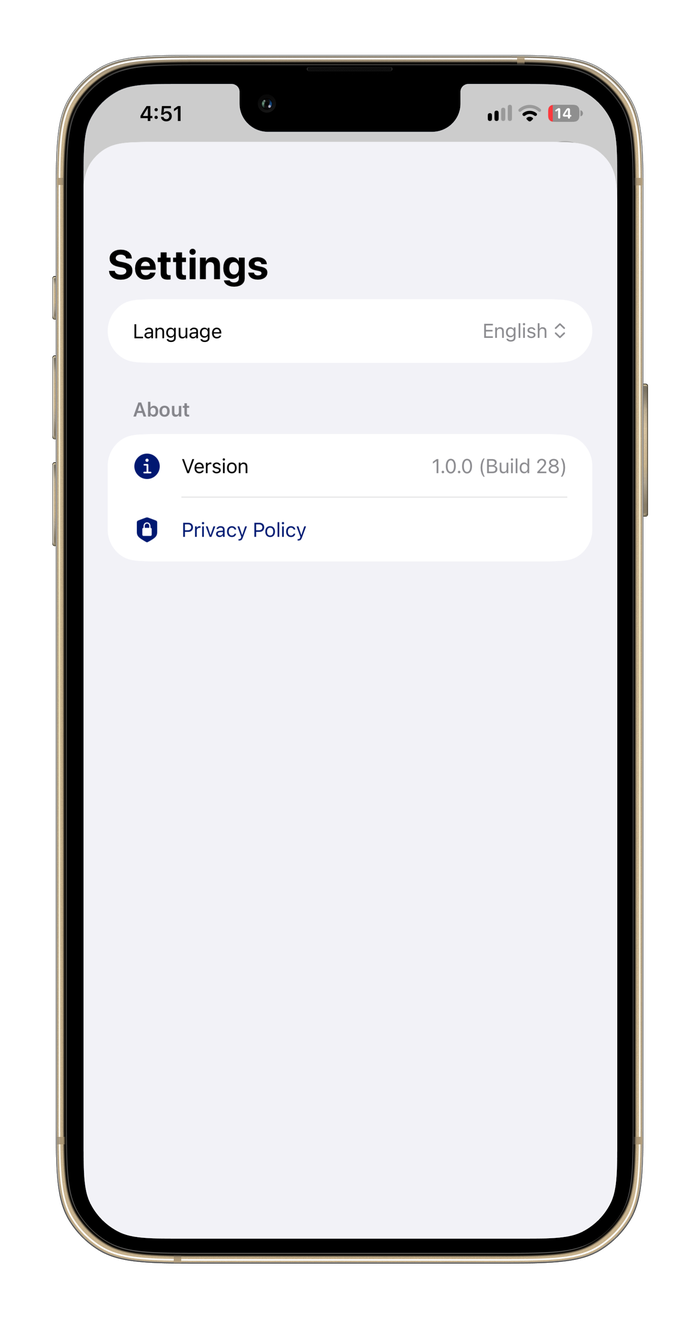
Settings
Tap the ... menu, then Settings, to change the app language, check your app version or read the privacy policy.