Step 2 - Onboarding
When you first open RelaySMS, you'll see the welcome screen. You can change the app language with the button at the top right.
If you have a previous backup, tap Restore backup now. This is the only opportunity to restore a backup. See Restore for more information.
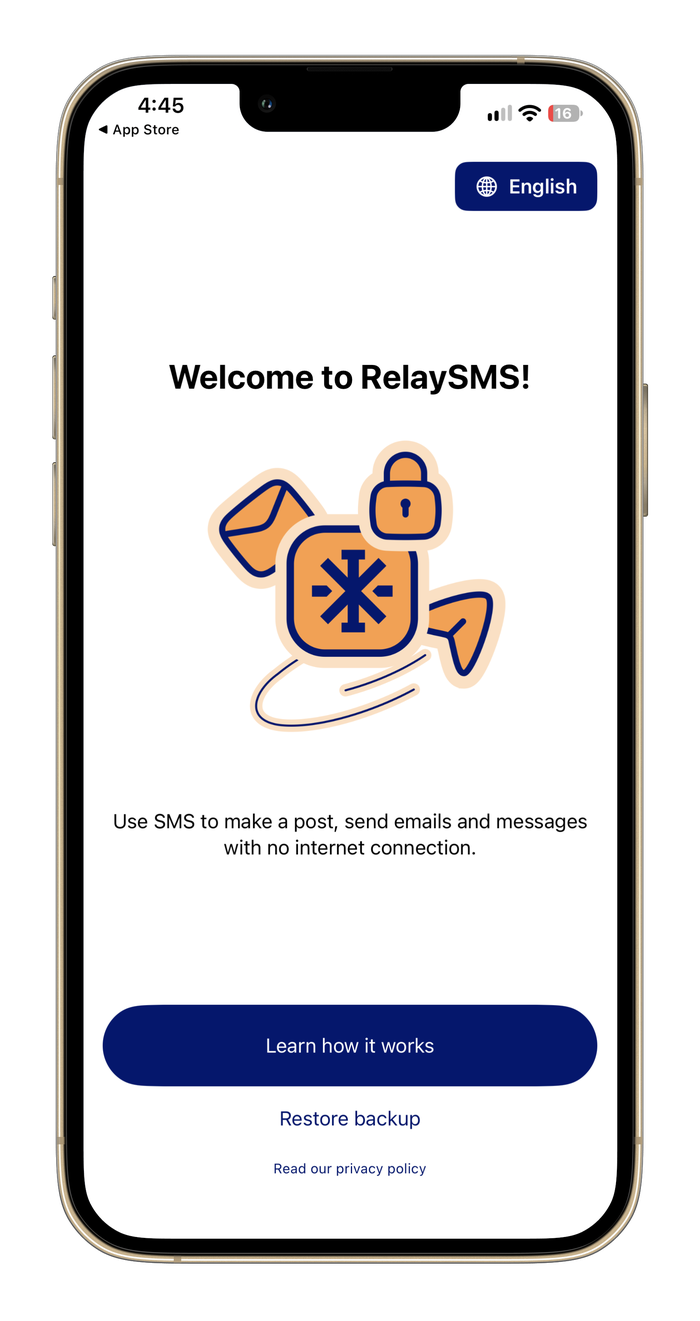
Tap Learn how it works to go through a few short screens.
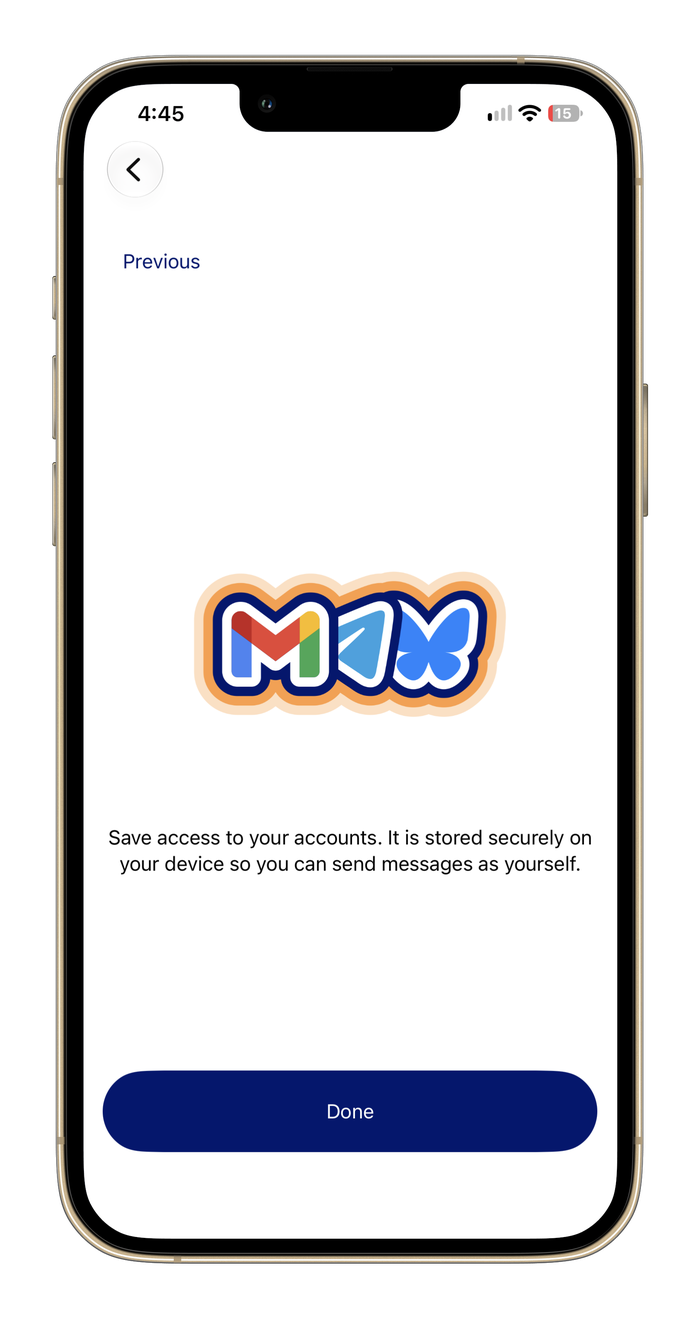
RelaySMS no longer asks you to log in or register. Your accounts are saved securely on your device so you can send messages as yourself. Tap Done on the last screen.
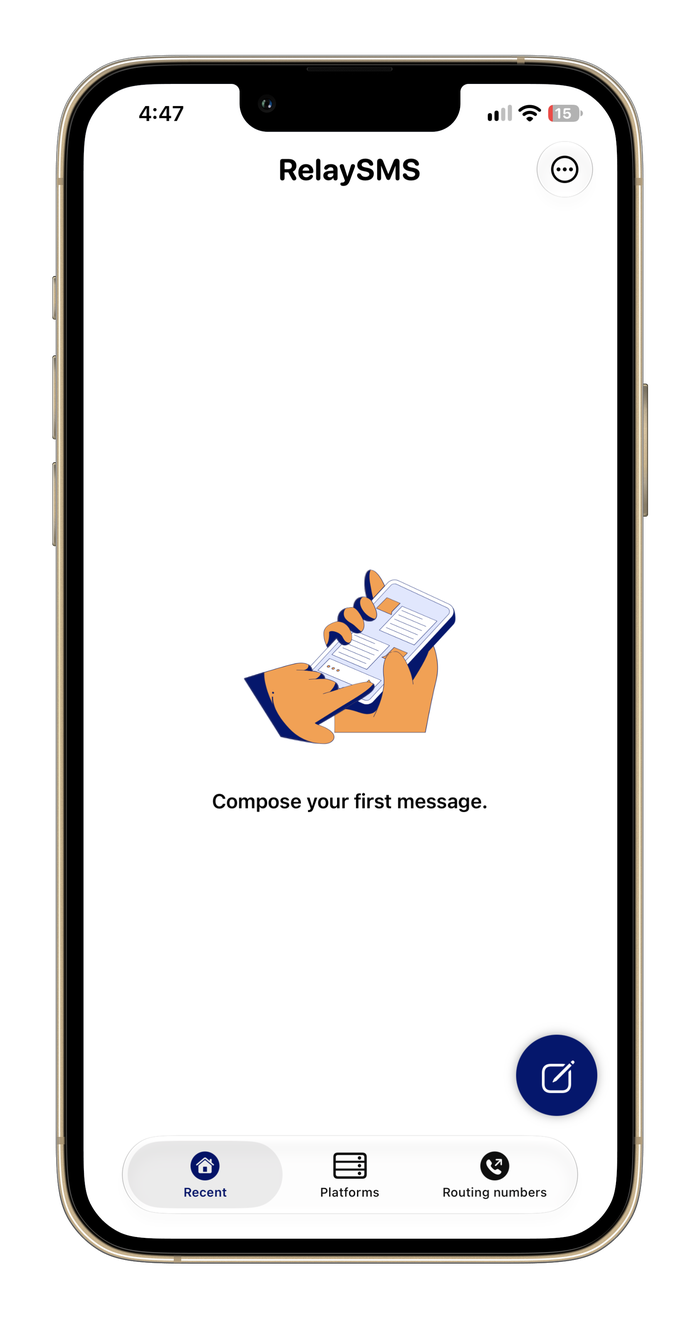
When you finish, you'll land on the home screen. It has three tabs at the bottom: Recent, Platforms and Routing numbers.